Xbox Insiders can now choose from multiple startup animations and test higher-quality Remote Play streaming as part of a new console preview that began September 9. Microsoft detailed the changes in its Xbox Wire announcement, which also covers profile customization, faster searches, cloud downloads, and clearer party chat.
Pick an Xbox startup animation
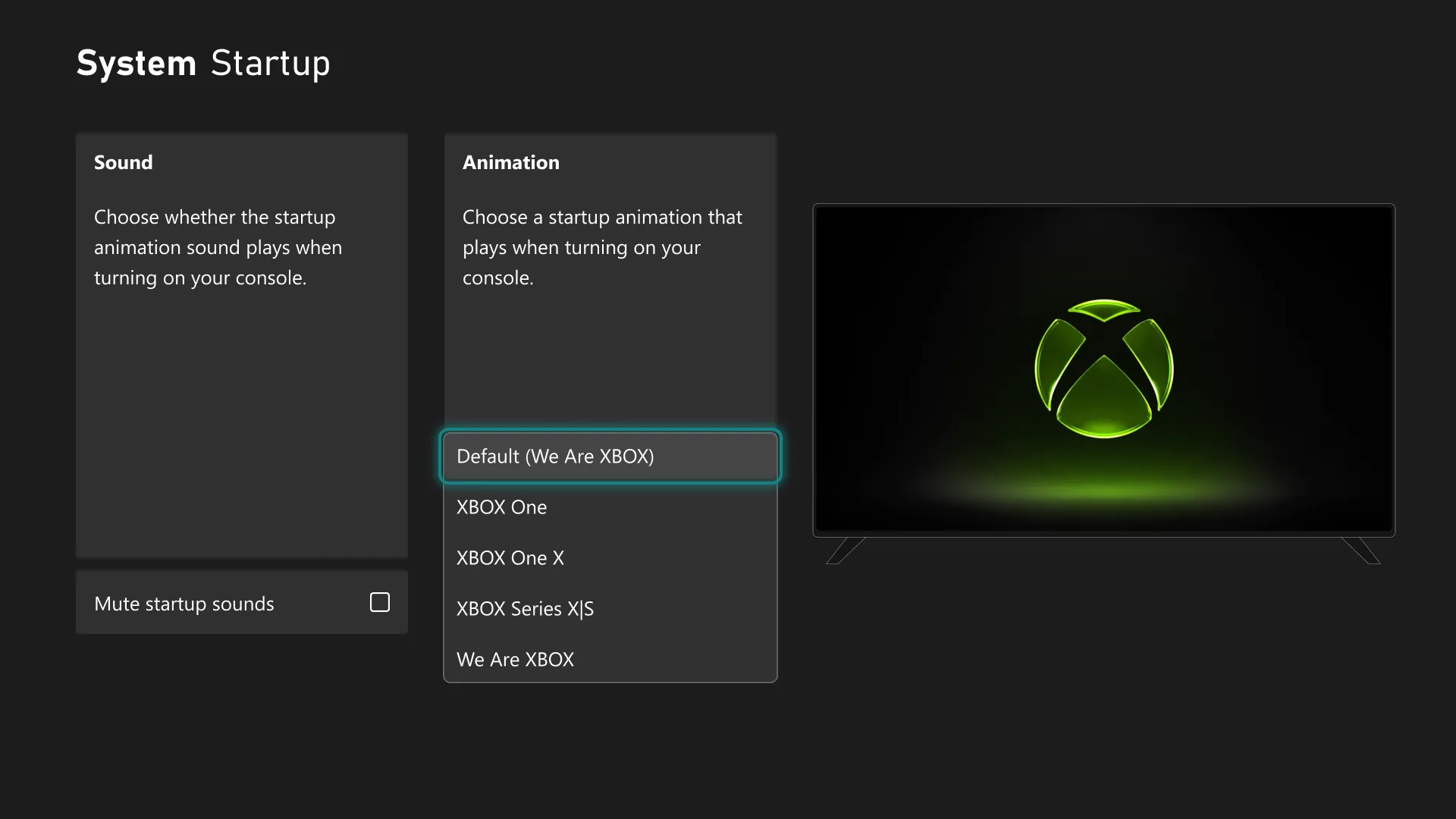
Xbox Insiders can choose which startup animation appears when the console powers on. The options span from Xbox One through the latest Xbox generation, giving players a way to revisit an earlier era or use a newer animation. The setting is available under Settings > System > Startup, where players can also decide whether the animation includes sound.


Show the badges and games you want
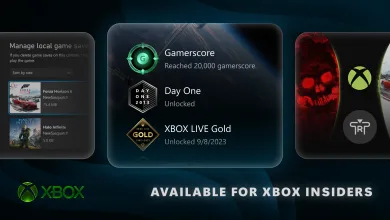
Following the badge details introduced in August, Xbox Insiders can now feature up to five badges on their profile card showcase. Individual badges can also be hidden from a public profile.
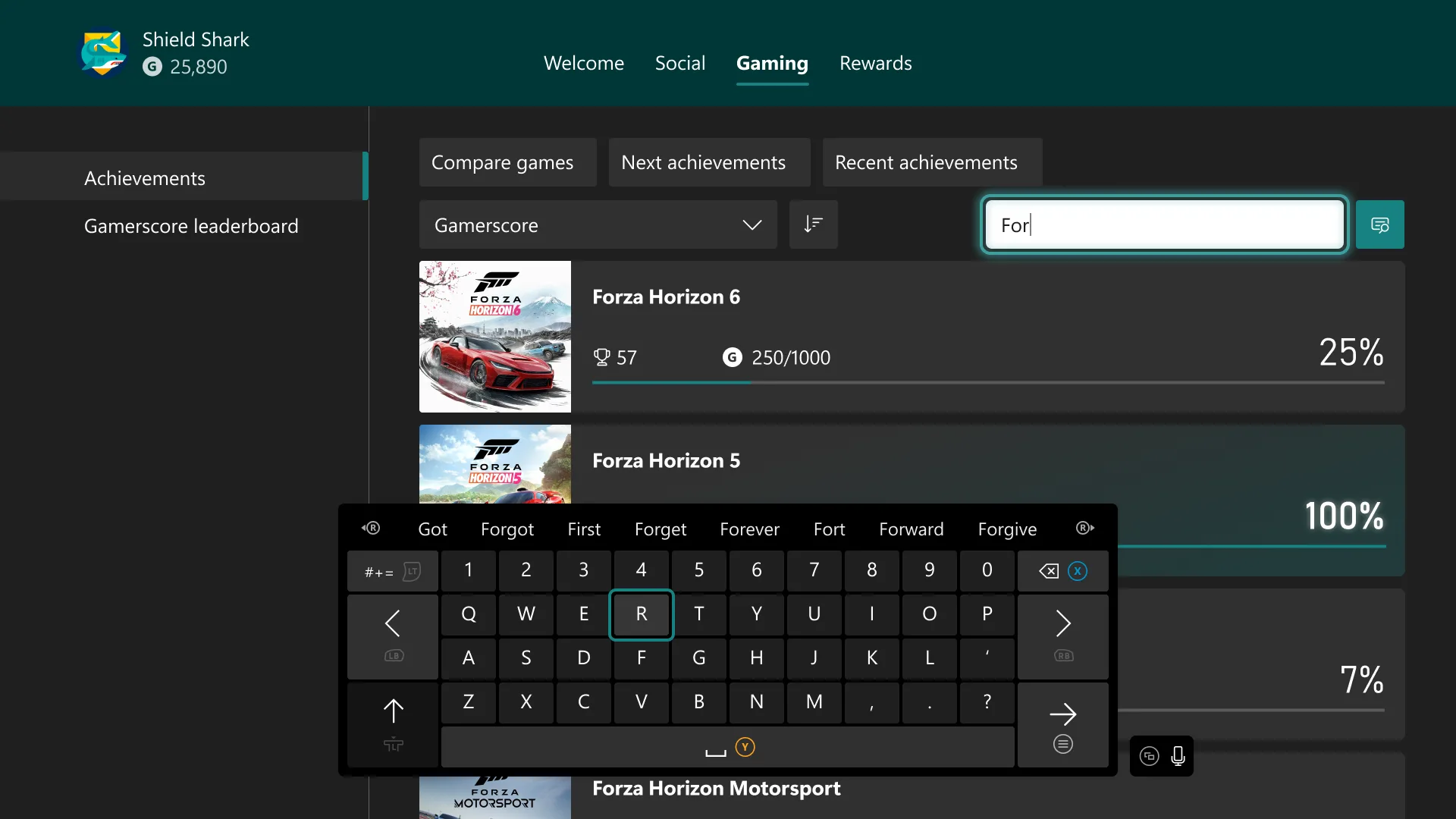
Local search should make large game and achievement lists easier to manage. The feature works in My games & apps, official club achievement lists, and profile achievement history. It also works alongside existing filters and sorting tools, so players can narrow down a list without scrolling through every entry.
Remote Play reaches up to 1440p
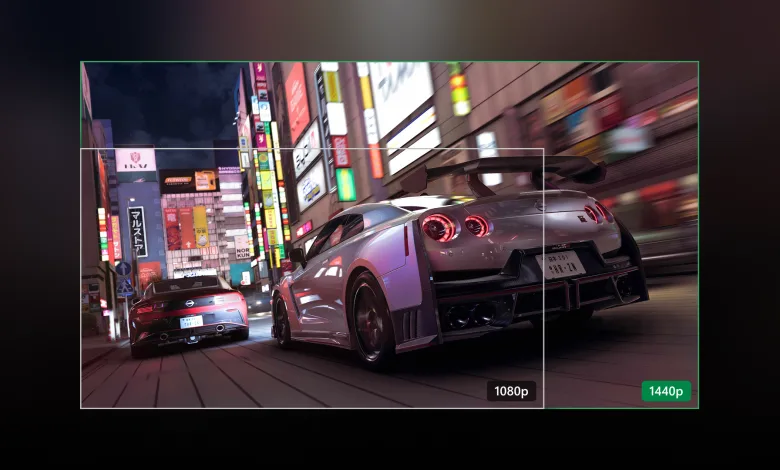
Xbox Insiders in the Alpha Skip-Ahead and Alpha rings can preview Remote Play streaming at up to 1440p on Xbox Series X|S. The test also raises video bitrates on supported devices, which can produce sharper visuals and smoother gameplay when streaming from a console to a PC, phone, TV, or another supported device.
Remote Play uses the Xbox console a player already owns, so it does not require an additional subscription. When streaming quality is set to Auto, the console selects the highest resolution and bitrate that the device and network connection can support. Players should set the console’s display resolution to 1440p or 4K UHD under Settings > General > TV & display options to use the preview at its highest level.
Cloud downloads can continue during play
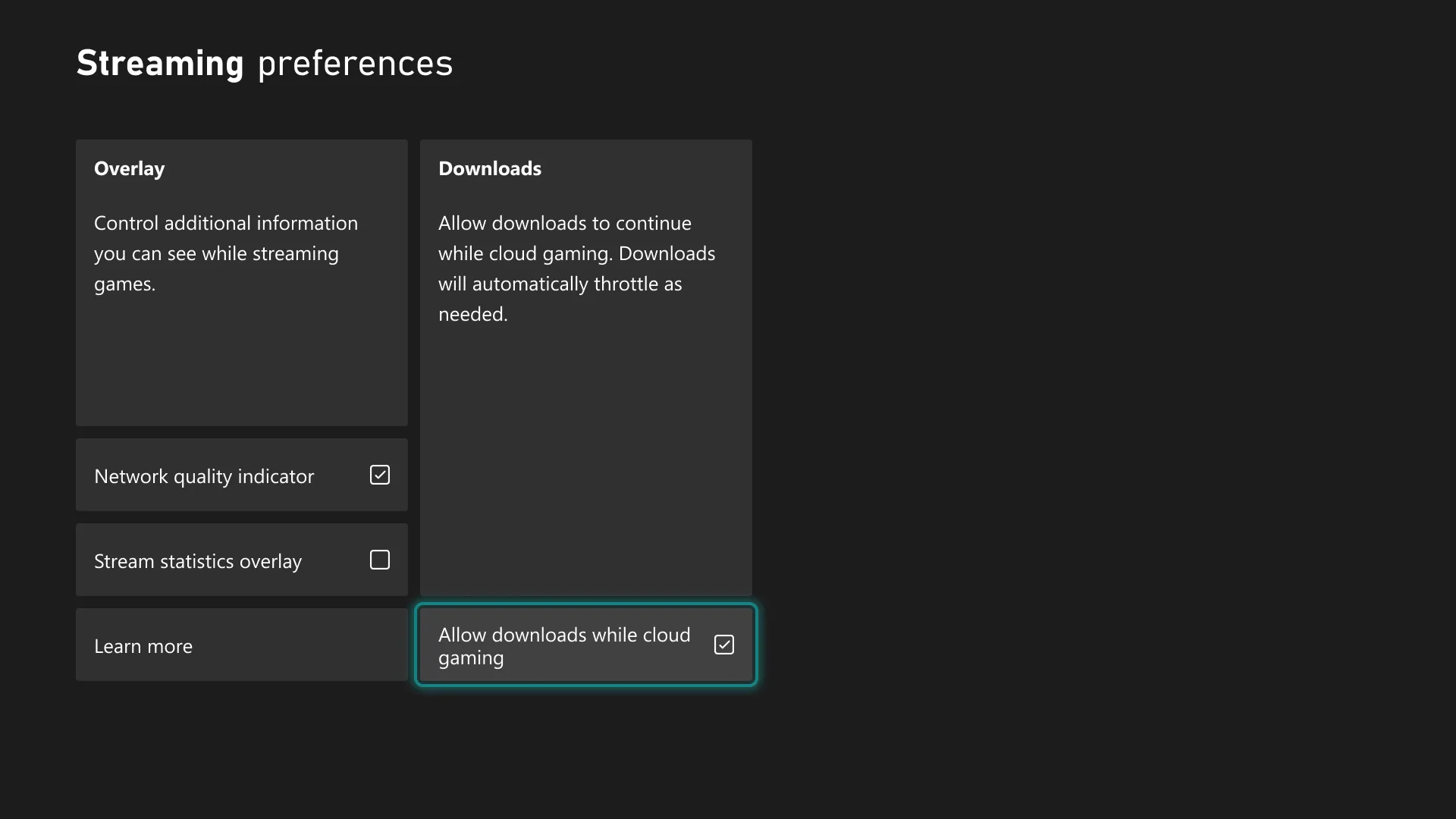
Since June, Xbox Insiders have been able to stream a game while it installs or updates. The new preview lets downloads continue in the background while cloud gaming is underway when network conditions allow, with Xbox Series X|S players expected to see the largest benefit.
The option is available under Settings > Cloud gaming > Streaming preferences and can be turned off at any time.
Voice Clarity reduces background noise
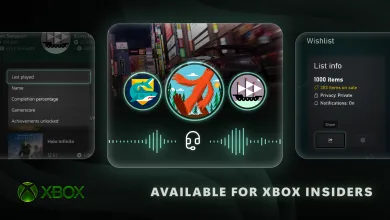
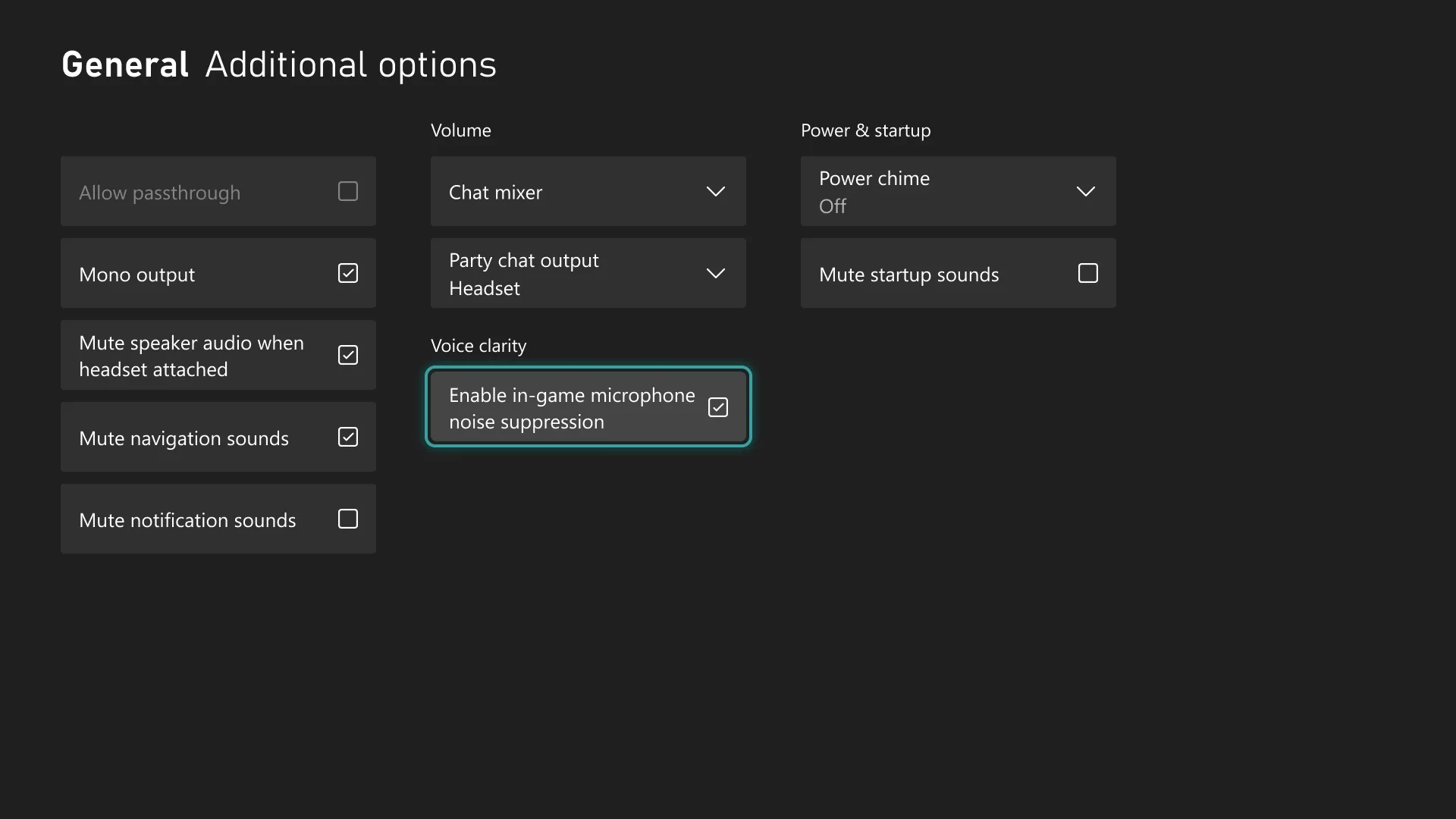
Xbox Series X|S Insiders can also test Voice Clarity, which reduces everyday background noise in party chat and most games released since 2020. The feature is enabled by default in supported conversations and games, with controls found under Settings > General > Volume & audio output > Additional options.
Separate party updates are testing behind-the-scenes improvements to party reliability and security. Xbox is asking Insiders to share feedback if they notice anything unusual, and feedback can be submitted through Xbox Player Voice.
Which of these Xbox changes would you use first? Share your thoughts in the comments, and follow us on X, Bluesky, YouTube, Instagram, Steam, and Telegram.