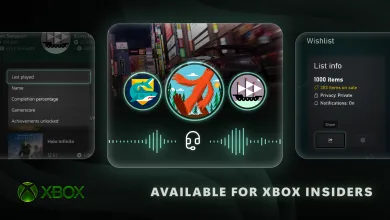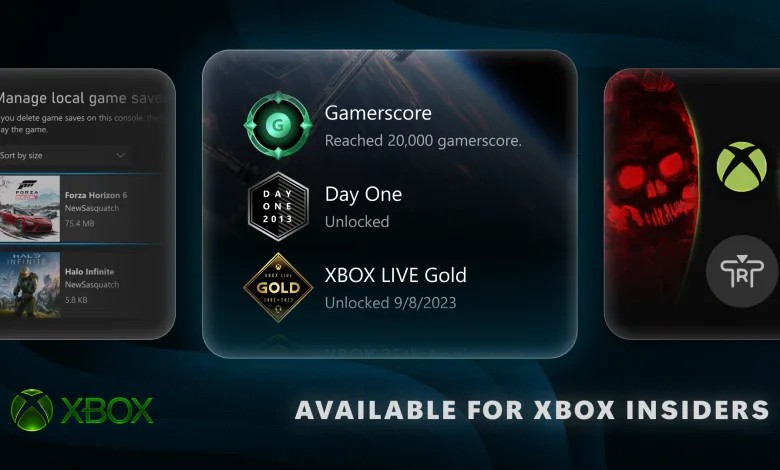
Xbox Insiders can try a fresh batch of console features on August 19, including new ways to clean up Home, manage local game saves, organize wishlists, and learn more about profile badges. Microsoft outlined the changes in an Xbox Wire announcement.
Most of the features are going first to Alpha Skip-Ahead and Alpha members, while select updates are available to everyone starting today. The update follows an earlier Xbox Insider update that expanded capture, achievement history, cloud save, and wishlist tools.


Home gets easier to customize
Players can remove any item from the Recent Games and Apps row at the top of Home by pressing the Menu button. That includes the Play History tile, giving users more say over which shortcuts remain on the screen.
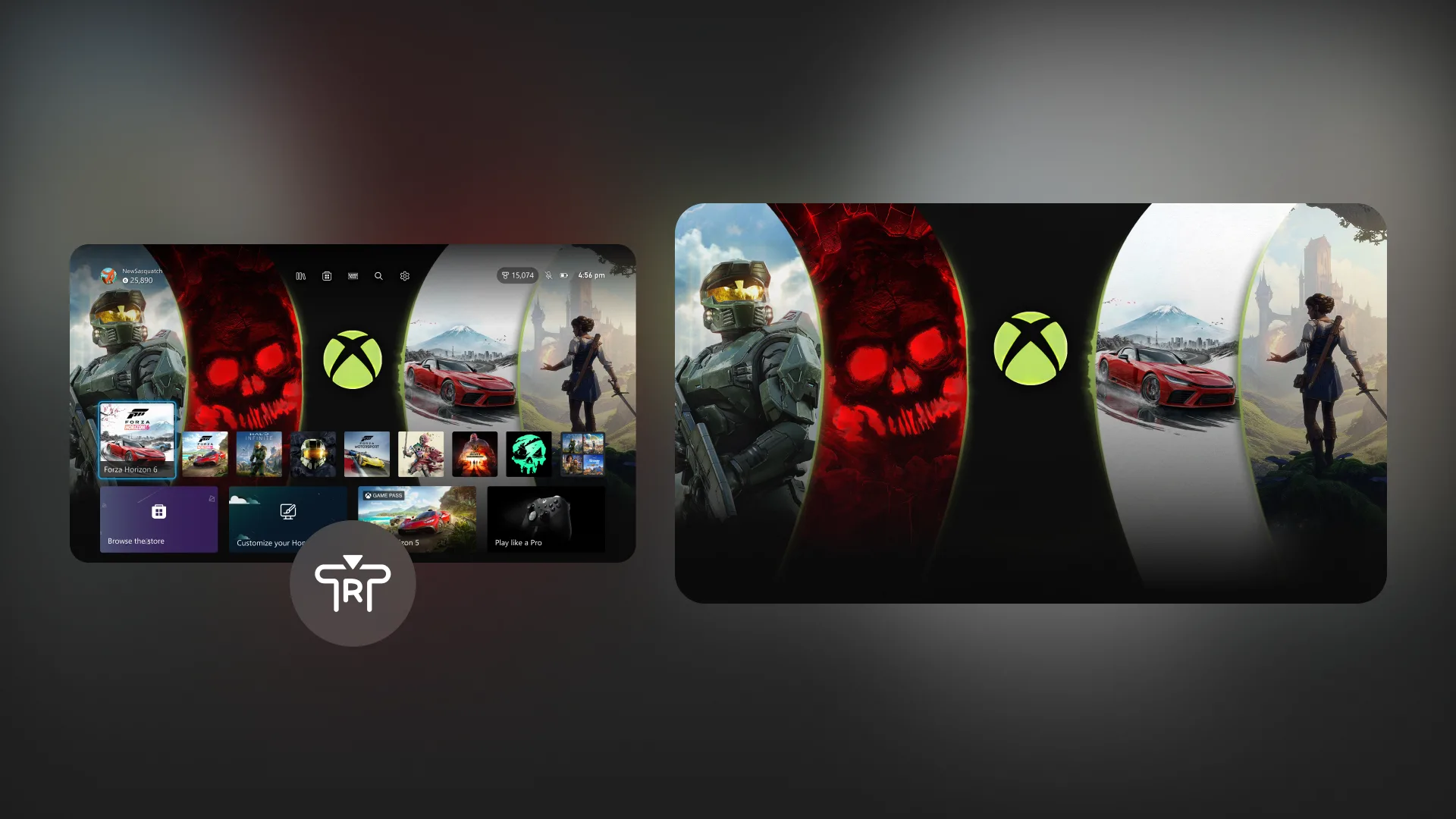
Xbox Insiders can also press the right thumbstick button from anywhere on Home to hide the interface and give a dynamic or custom background the spotlight. Pressing any button brings the Home interface back.
Local save management comes to Xbox
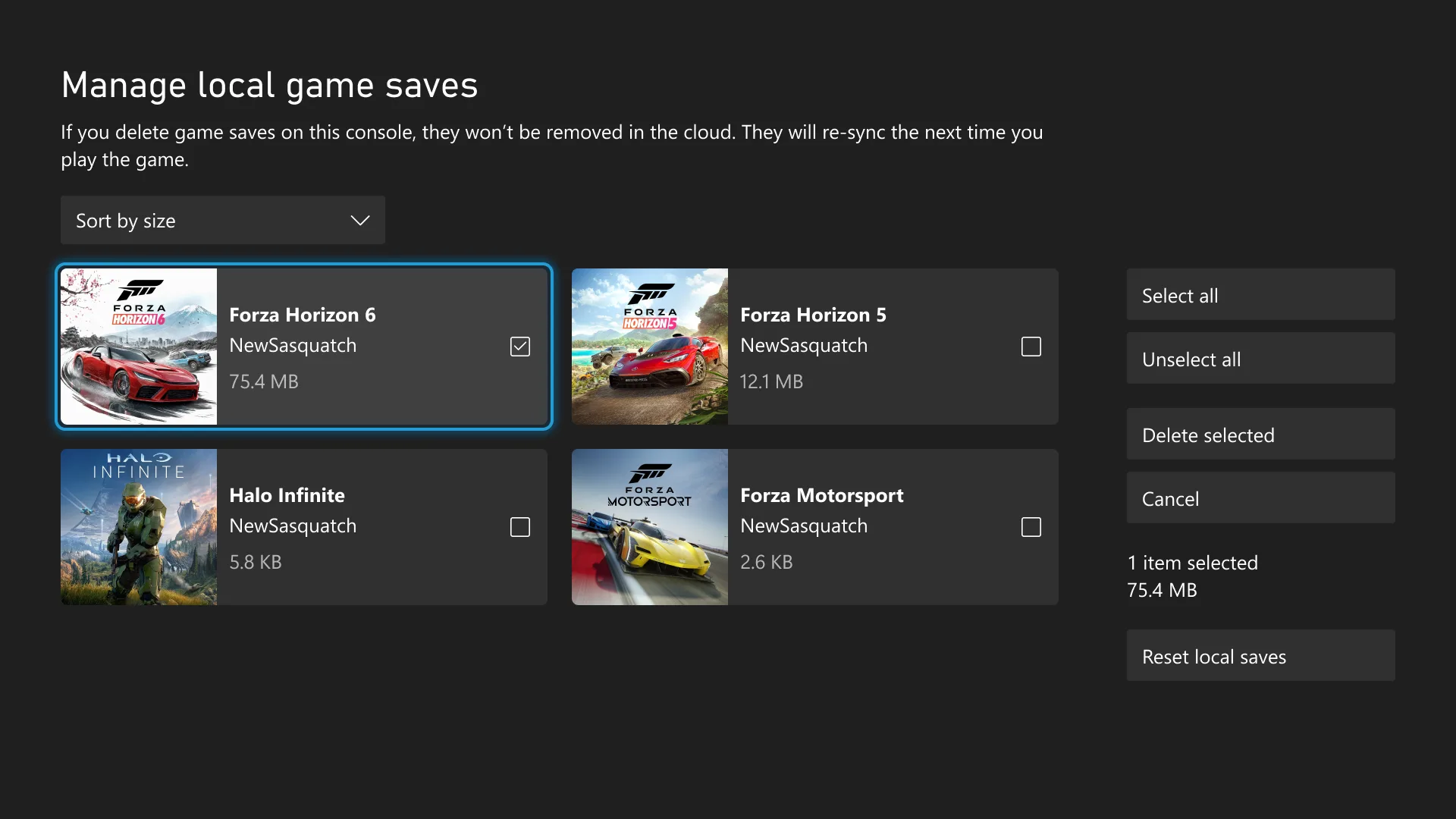
Local game saves can take up enough room to stop new progress from being saved. A new storage tool lets Insiders view, sort, and delete local saves that are not currently in use, whether they want to remove one large file or clear every unused save at once.
The feature is available under Settings > System > Storage > Manage local game saves. Players may also open it directly from a notification when the console does not have enough space for a new save.
Current saves remain backed up to the Xbox network and will sync again the next time the related game launches.
Profile badges get more details
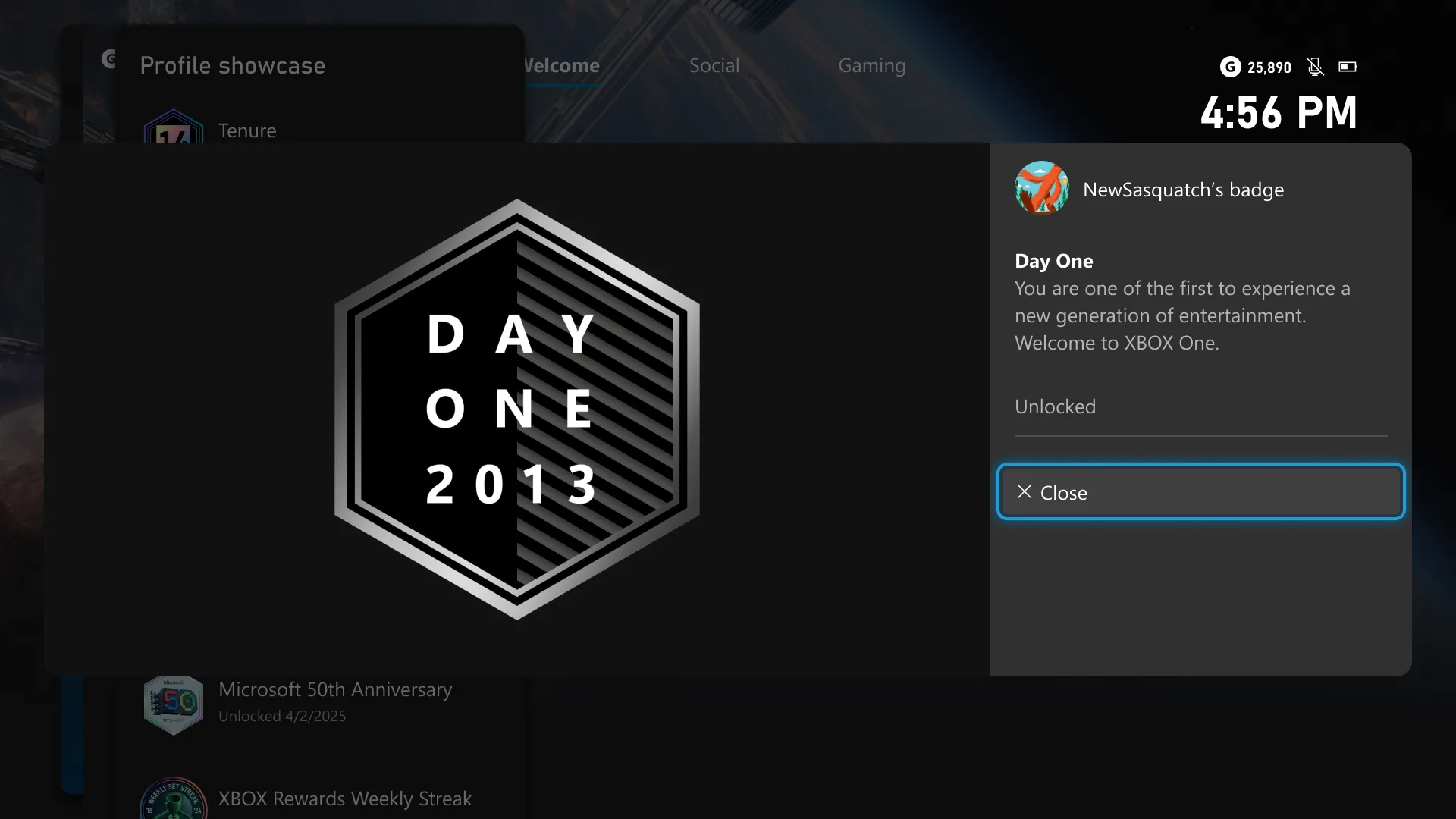
Badge collections now have a viewer that provides more context for each item. Opening a badge can show its high-resolution artwork along with information about when and how it was unlocked.
The details are available for badges on a player’s own profile and on other players’ profiles, making it easier to understand the accomplishments, events, and milestones behind each one.
A new badge marks the Xbox One launch
Microsoft is also marking 25 years of Xbox history with a new commemorative badge. The Xbox One launched on November 22, 2013, and players who unlocked the Day One achievement on that date will receive the matching Day One profile badge starting August 19.
Purchased games leave wishlists automatically
Wishlist management gets a small cleanup as well. Once a player purchases a game, Xbox will automatically remove it from the wishlist, cutting out one more bit of library housekeeping.
Xbox Insiders can share feedback through Xbox Player Voice as these features continue through testing. Which change would you use first? Share your thoughts in the comments, and stay connected through X, Bluesky, YouTube, Instagram, Steam, and Telegram.