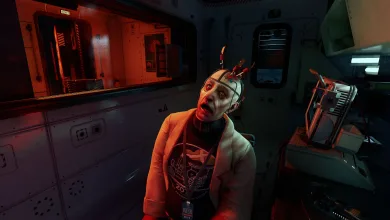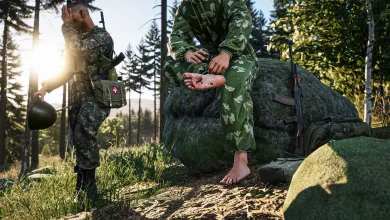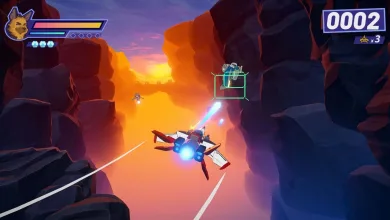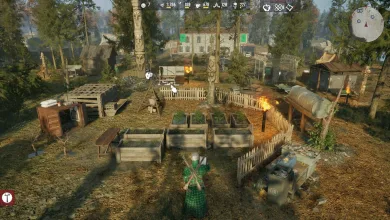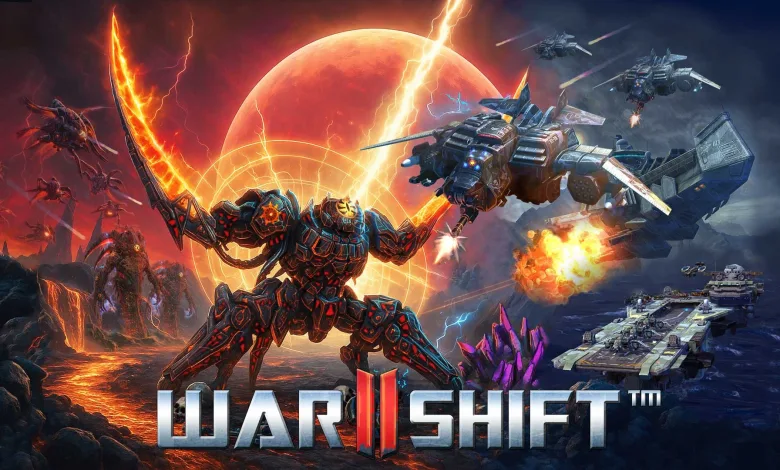
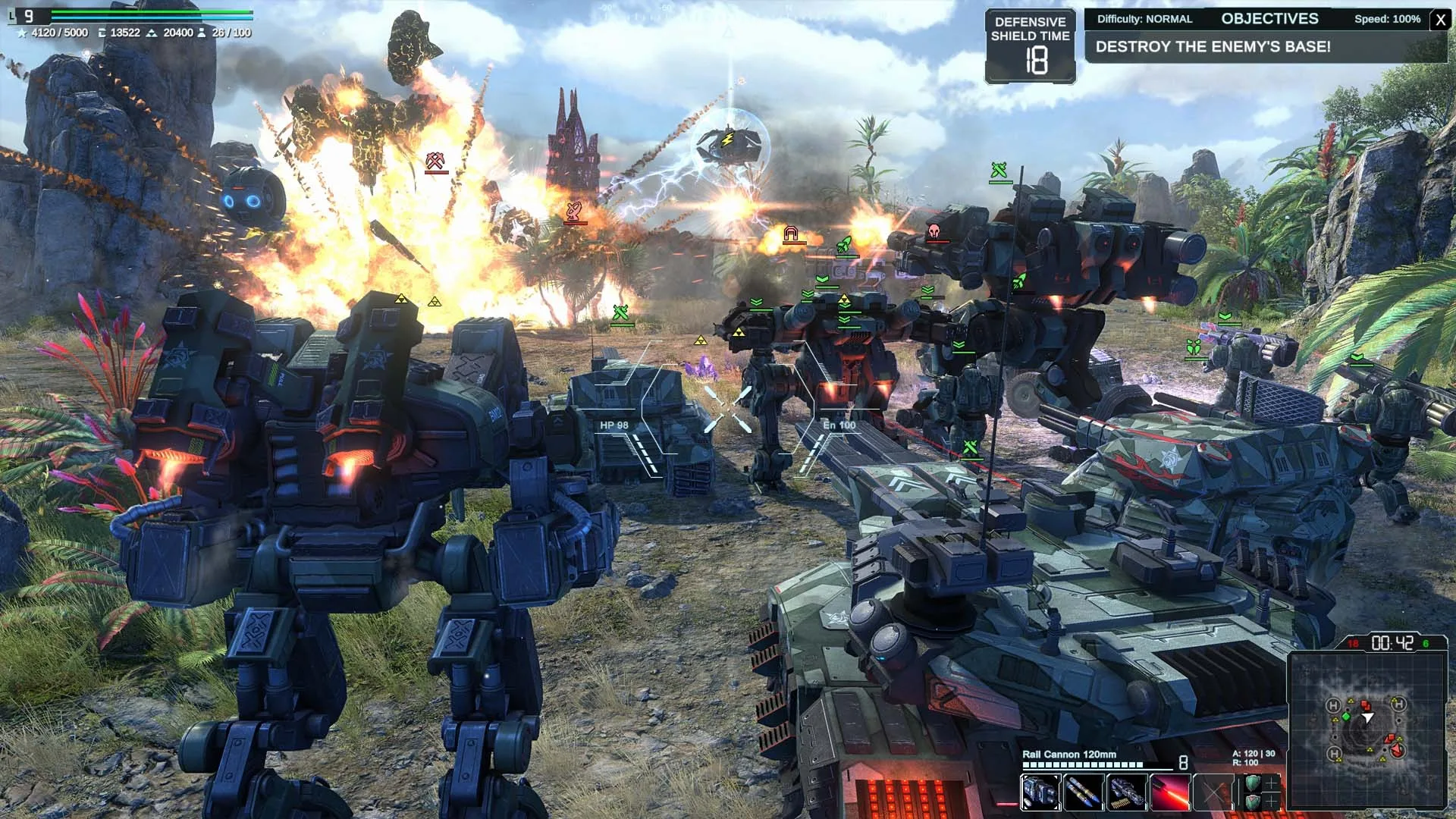
Warshift 2: Machines of Madness is now available on Xbox, and it asks players to command a full army without staying above the action. Its central system lets you switch between RTS Tactical mode and third-person TPS Action mode at any time, turning a battlefield overview into a direct firefight whenever the situation demands it.
Fortell Games says the game supports Xbox Play Anywhere, with shared progress and Achievements between consoles, PC, and ROG XBOX Ally family devices. The team is also targeting 4K at 60 FPS on Xbox Series X, while the broader package includes seven game modes and hundreds of hours of gameplay.


Solo developer Cyril Megem handled the game design, art, and programming, with Fortell Games serving as publisher. The game was made in Ukraine, and its commander-focused design keeps army management and personal combat in the same battle.
Fortell Games’ launch guidance in the Xbox Wire guide focuses on systems that can make a major difference after the tutorials. These 12 tips cover the economy, battlefield control, air support, and the options available in Skirmish mode.
12 Ways to Keep Control of the Battlefield
Capture Energy Nodes Early
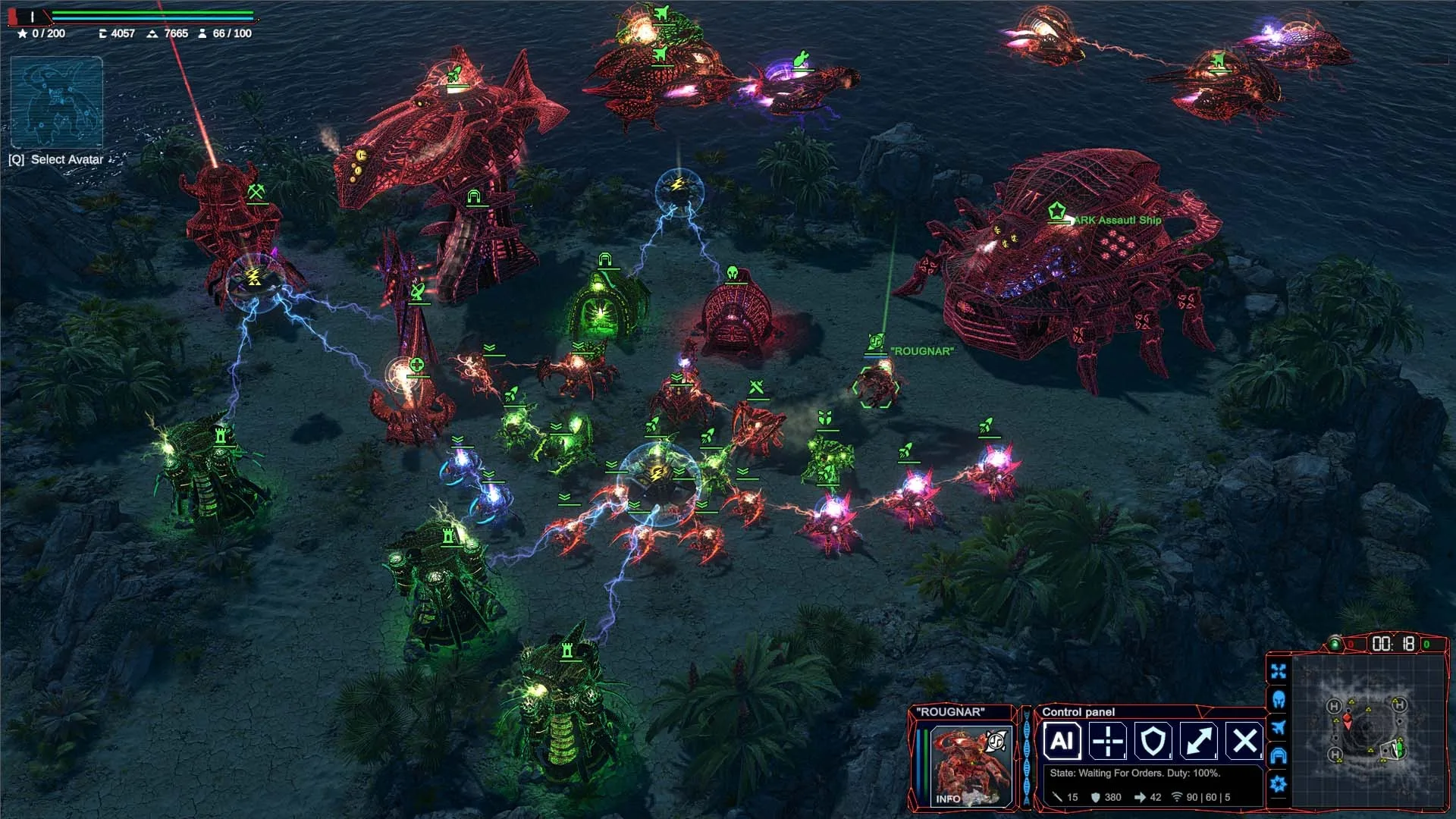
Energy Nodes form the backbone of your territory network. Capturing them lets you build more resource extractors and other structures, which increases both your available resources and production capacity. Expanding also denies those advantages to the opposing army, so leaving nearby nodes untouched can hand over more than just extra map space.
Prepare Unit Groups Before Entering Action Mode
Create several unit groups in Strategy mode before moving into the fight. Once you enter third-person Action mode, select the group you need and send it toward a target without leaving direct control of your hero. This keeps tactical orders available even when you are personally fighting beside the army.
Move the Ark to Improve Your Position
The Ark, which serves as your homebase, can relocate to any of four designated landing zones. A smart landing spot can shorten supply routes for new units and put enemy positions within range of orbital strikes. While landed, the Ark can produce any unit type and construct buildings. When airborne, its production is limited to aircraft, but it can still provide orbital fire support.
Save Orbital Strikes for Dense Formations
Orbital Strikes work best against concentrated enemy forces. A surprise strike at the right moment can wipe out an entire formation and remove the pressure from an enemy attack, especially when several units are moving through the same area.
Use Aircraft as a Rapid Response Force
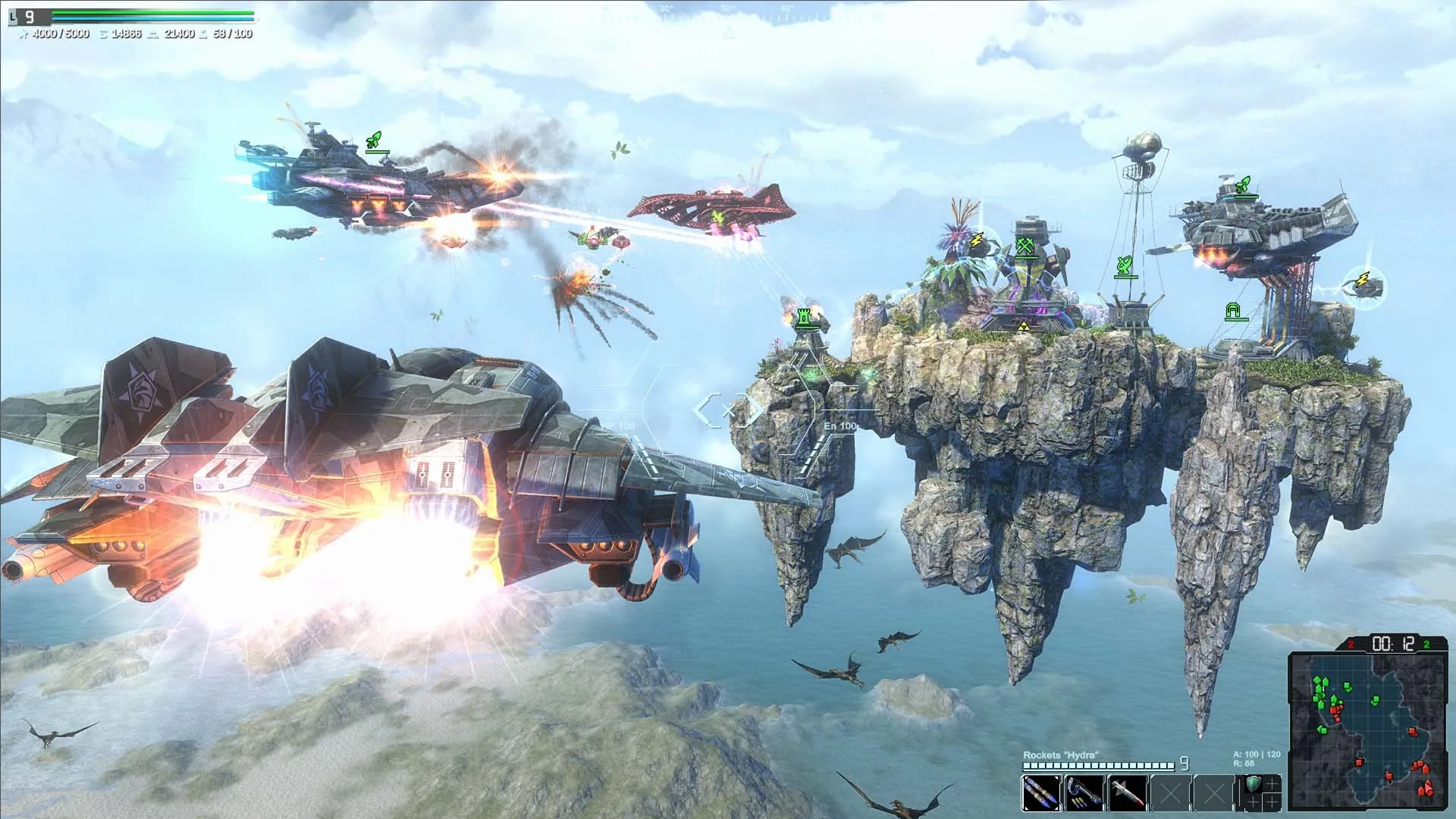
Aircraft can reinforce threatened positions, intercept enemy forces, and support an attack before slower units arrive. Their speed also makes them useful for reaching distant parts of the map, and entering hero flight mode can help you cover that distance faster.
Let Factories Handle Routine Production
Factories can use AI control to produce selected units automatically and send them into battle. Turning this option on reduces the amount of routine production you need to manage, leaving more attention for positioning, larger attacks, or direct combat in Action mode.
Equip an Automated Support System
Your hero can carry an automated support turret or drone. Depending on its configuration, the system can attack enemies, intercept incoming missiles, or provide another layer of combat assistance. It gives your hero useful backup while your attention is focused elsewhere.
Evolve the Alien Forces Carefully
The Alien forces bring their own strengths and weaknesses, and their Evolution system can transform units into more powerful, higher-tier versions during a battle. Protect the cocoons while the transformation is underway, then use the upgraded units to strengthen your next attack.
Deploy Superunits at the Critical Front
Battleships and Aircraft Carriers can project heavy firepower onto an important section of the front. Bringing one in at the right moment can break a fortified position and change the direction of the battle, but sending a superunit forward without a clear target wastes one of your strongest tools.
Return Aircraft to the Carrier After a Fight
Bring air squadrons back to the Aircraft Carrier after an engagement. Damaged aircraft are repaired aboard the carrier, while lost planes can be replaced so the squadron returns to full strength before its next deployment.
Adjust Enemy Tactics in Skirmish Mode
Skirmish mode lets you set Enemy Tactics anywhere from defensive behavior to extreme aggression. A defensive opponent may spend time assembling a large army before attacking, while an aggressive setting can send repeated waves of smaller units. Choose the behavior that fits the kind of match you want to manage.
Use Support Avatars to Tune the Matchup
Skirmish battles can include one or more AI-controlled Support Avatars on either team. Adding them can change the flow of a fight, while assigning an uneven number to each side lets you adjust the balance without changing the rest of the setup.
Which part of Warshift 2: Machines of Madness will you try first? Share your thoughts in the comments, and follow us on X, Bluesky, YouTube, Instagram, Steam, and Telegram for more game news.