STALCRAFT: X Adds Photo Mode and Refreshes the Advanced Case
The July 15 update adds customizable camera tools, two new Advanced Case items, and several inventory and audio fixes.

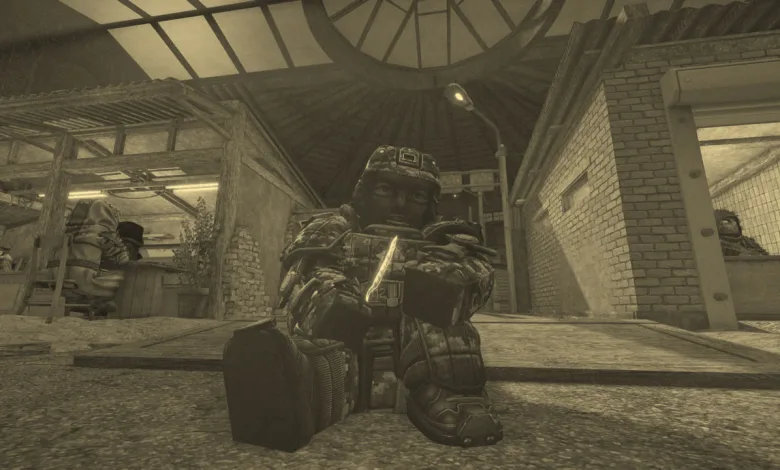
STALCRAFT: X received a new patch on July 15, 2026, adding a full photo mode, updating the Advanced Case, and addressing several smaller problems across the game.
The official Steam announcement also details a redesigned smooth camera, new control options, and fixes for duplicate Personal Shop offers.

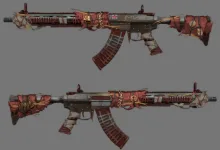
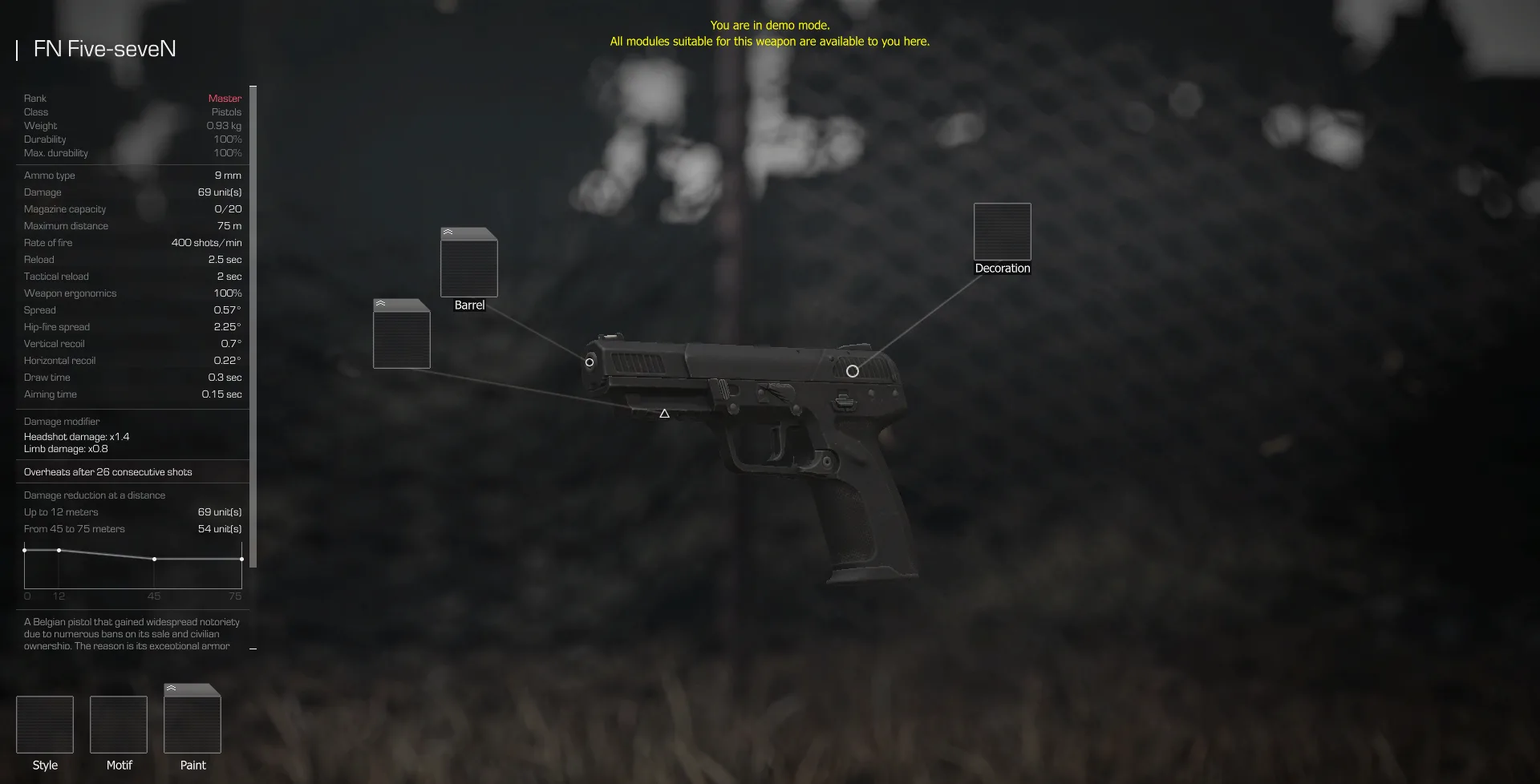
Photo mode is the main addition. Players can adjust zoom, camera movement, roll, visual presets, and more, while the Advanced Case now includes the ZIVCAS Sisyphus-6 and FN Five-seveN.
Patch Notes [15.07.2026]
This update mainly affects screenshots and camera control, but it also adds new Advanced Case contents and cleans up several smaller issues involving parts, records, audio, and the Personal Shop.
Photo mode
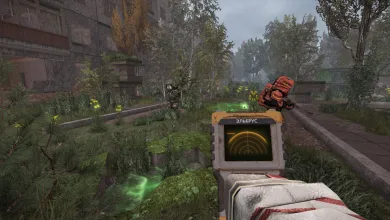
Photo mode has been added to the game. By default, you can access it by pressing the F4 key.
Camera settings available:
- Zoom from 1.00× to 8.00×
- 360° Roll
- Movement speed setting from 1.00× to 0.00×
- Grid
- 12 styled camera presets (VHS, Lo-Fi, Bodycam, Damaged Bodycam, Found Footage, Cheap Digital Camera, Disposable Film, STALRUNNER 2049, vaporwave, Noir, Sepia, CCTV) + 1 standard preset
When photo mode is activated, the player’s weapon is holstered, and all HUD elements, on-screen indicators for infection, suppression, critical injury, and cold, as well as the first-person view of the player’s hands and body, are hidden.
In photo mode, you can optionally draw your weapon from its holster. In this case, the character is displayed in first-person view again, and zooming is disabled.
You can also hide the photo mode interface by pressing the F1 key or disable it in the general HUD display settings.
In screenshots taken in photo mode, the photo mode interface and the rule-of-thirds grid are not displayed — there is no need to hide them manually before taking a photo.
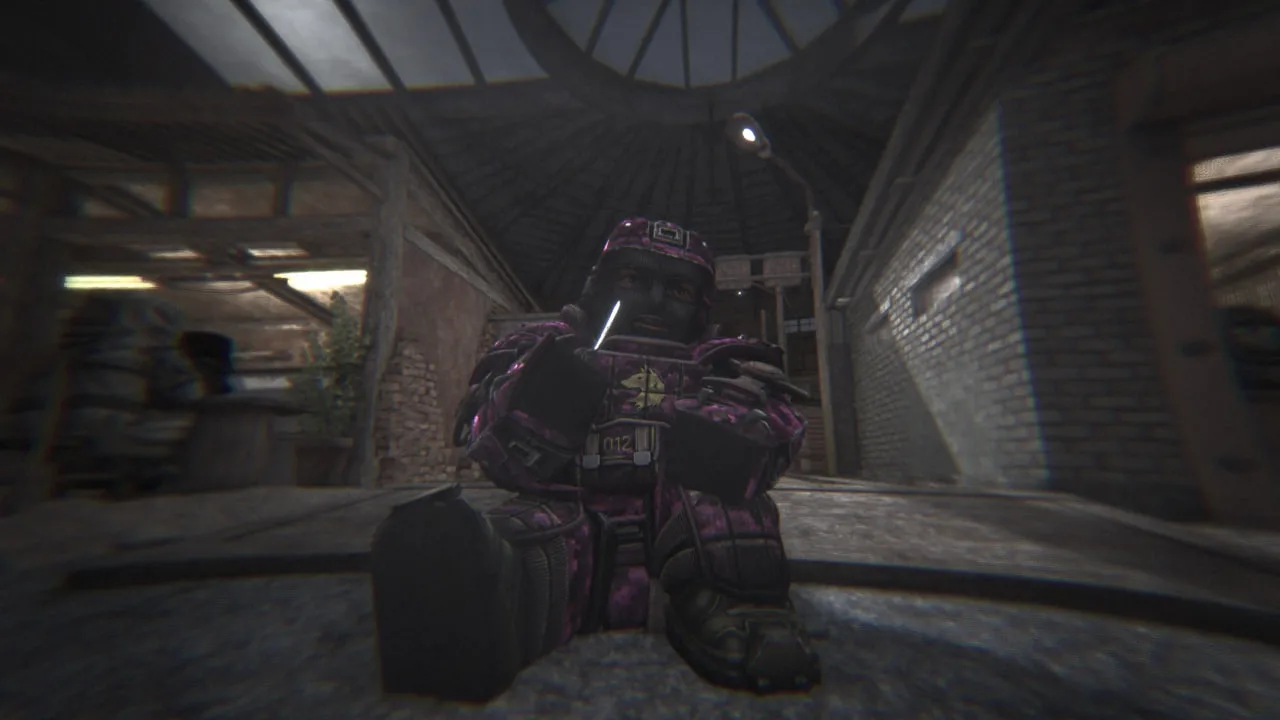
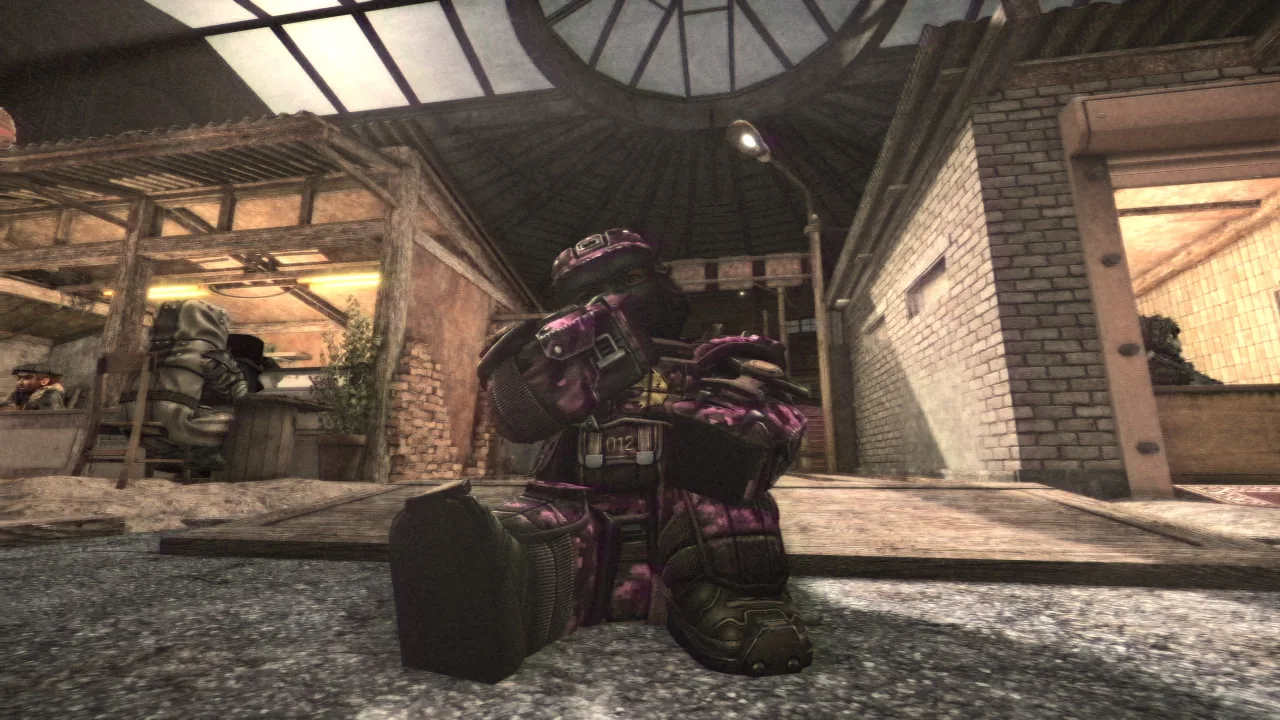
This is the first iteration of the photo mode. Based on your feedback, we’ll continue to improve it by adding new settings and presets and expanding its functionality. Share your thoughts — every opinion matters to us!
Smooth camera
Smooth camera (previously known as the cinematic camera) has been redesigned.
There is now a separate “Smooth camera” section in the game settings where you can adjust the responsiveness and the intensity of mouse movement smoothing at the start and end of a turn.
For those who prefer the old logic, there is an option to revert to the previous version. However, in this case, the new smoothing settings are no longer available.
Other
- Removed the old feature that hid the hands using the Ctrl+F1 shortcut due to the addition of a full-featured photo mode.
- Key bindings for screenshots, hiding the HUD, and the smooth camera have been moved to the controls section.
- A new Photo mode section has appeared in the control settings, where you can assign all the keys used in this mode. When photo mode is active, these keys are given higher priority, and all other actions assigned to them are temporarily ignored.
Advanced case
Good news for those waiting for updates to the Advanced Case, here they are!
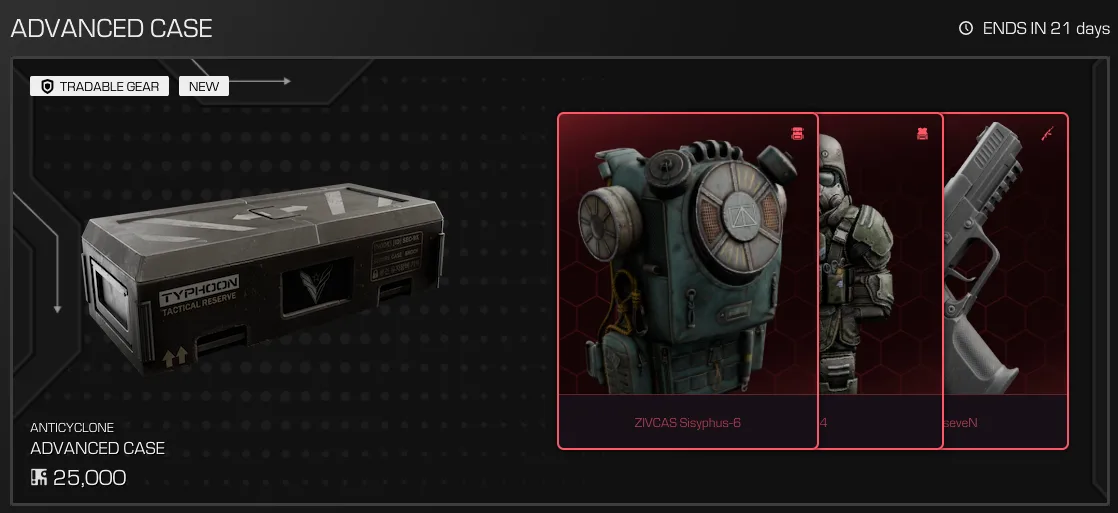 You can check out the updated contents below:
-
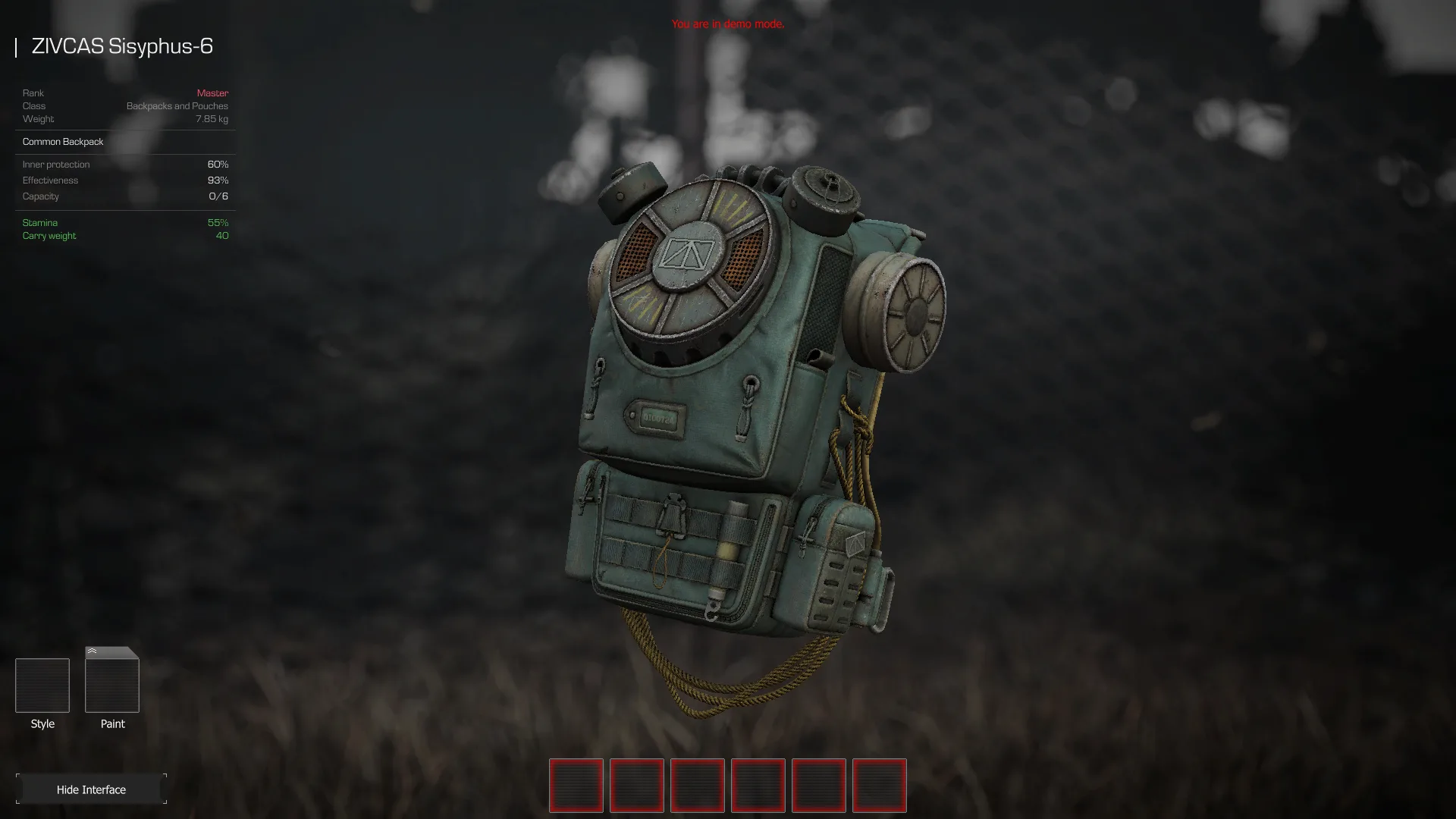
ZIVCAS Sisyphus-6
-
FN Five-seveN
Other changes and fixes
- Added the ability to convert FAMAS G2 and Glock 18X parts.
- Related records can once again be found in the home territories of the Northern factions.
- Fixed incorrect sounds for bolts with particles.
- When refreshing cards in the Personal Shop, offers with the same item will no longer appear.
Try out the new camera tools and tell us what you think in the comments. You can also follow us on X, Bluesky, YouTube, and Instagram.
Stalzone
Developed by EXBO