Subnautica 2 gives players the usual survival-game headache: too many items, not enough room. Since resources do not stack, inventory space runs out fast, and the game does not spell out the solution very clearly.
The fix is simple once you know where to look. Active Biobeds scattered through the world let you raise your inventory size, and the process can be repeated more than once.


How to increase inventory size in Subnautica 2
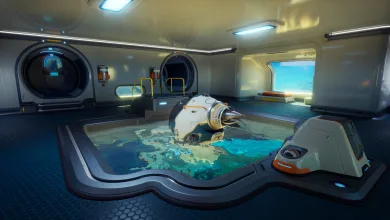
To add more space, walk up to an active Biobed and use the small tablet screen near the front. That interaction upgrades your endurance, which in turn increases inventory space. Each upgrade gives you three extra slots.
Most players will have better luck inside Colonist Bunkers, where Biobeds are easy to overlook. Those locations also tend to hide new items for your Scanner, which makes them worth checking even if you are only there for storage upgrades.
How many times can you upgrade it?
At the time of writing, the inventory has been upgraded four times with no clear end in sight. There may be more Biobeds still out there, but no new one had turned up for a while. Based on the remaining empty slots, five upgrades looks like a fair guess for now.
Because Subnautica 2 is still in early access, that answer may change as new areas and more content arrive. Future updates could add more Biobeds, or adjust inventory size in a way that changes the whole setup.
If you’ve found a better route to extra slots in Subnautica 2, tell us in the comments. You can also follow us on X, Bluesky, YouTube, and Instagram.
Subnautica 2
Developed by Unknown Worlds Entertainment
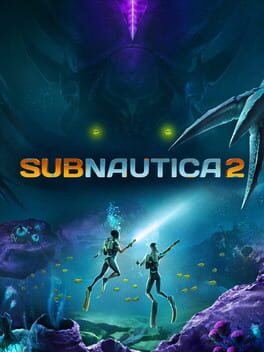
Subnautica 2 is an underwater survival adventure set on an all-new alien world, developed by Unknown Worlds. Play alone or with friends in 4-player co-op. Adapt to survive by building custom bases and crafting tools. Explore the unknown to uncover the mysteries hidden within the depths.
- Genre Adventure
- Platforms Xbox Series X|S, PC (Microsoft Windows)
- Perspective First person
- Modes Single player, Multiplayer, Co-operative
- Release May 14, 2026
- Publisher Unknown Worlds Entertainment
-
Age Rating