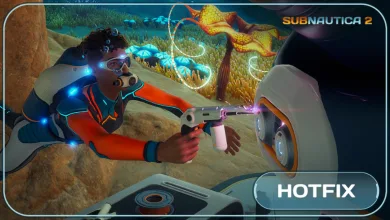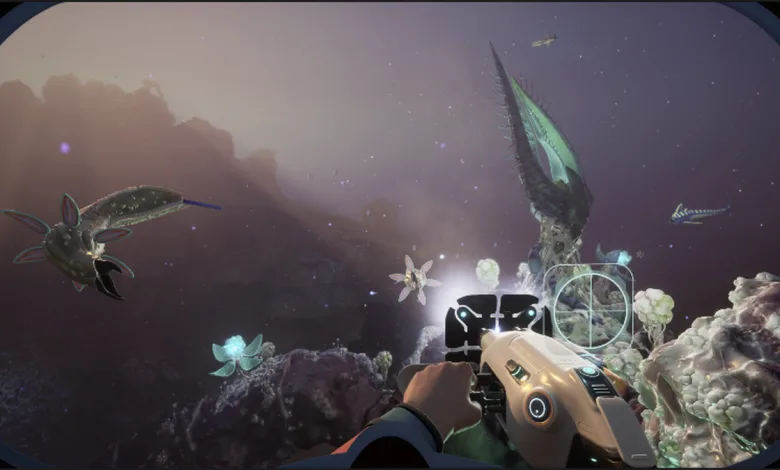
Subnautica 2 now has an opt-in Experimental branch on Steam, Xbox Series X|S, and Windows PC, giving Early Access players a chance to test upcoming content before it reaches the main build. The development team announced the branch’s release for August 12, 2026 in an official Steam announcement.
On Xbox Series X|S and Windows PC, the preview is available through the Xbox Insider Hub, as detailed in an official Xbox announcement. Players must own Subnautica 2 or have access through an active Game Pass subscription. Multiplayer is limited to players using the Experimental branch.
The branch is meant for players who are comfortable with unfinished features and serious bugs. Some problems could even break a game, so the team warns players not to become too attached to saves created during Experimental testing.
Save files are separated between the two versions, and existing save data will not be deleted. A save from the Experimental branch cannot be imported into the main Early Access build, and main-branch saves cannot be exported into Experimental. Steam stores the files in different locations, meaning the wrong version will not show the other branch’s saves. Switching back to the main build should make those saves visible again.
How Subnautica 2’s Experimental Branch Will Be Updated
Unlike the earlier Subnautica games, Subnautica 2’s Experimental branch will not receive daily updates for now. Instead, new builds will appear shortly before upcoming releases reach the wider player base. The branch may also receive smaller patches and fixes between major updates.
How to Opt Into the Experimental Branch on Steam
- Open your Steam Library and right-click Subnautica 2.
- Select Properties.
- Open the Game Versions & Betas tab.
- Use the Beta Participation drop-down menu and choose Experimental.
- Close the Properties window. Steam will begin downloading the branch automatically.
How to Join Subnautica 2 Experimental on Xbox and Windows PC
- On an Xbox Series X|S console or Windows PC, sign in and launch the Xbox Insider Hub app. Install it from the Store first if necessary.
- Open Previews and select Subnautica 2 Experimental.
- Select Join.
- Wait for registration to finish. You will then be sent to the Store to install Subnautica 2 Experimental.
If the Xbox Preview Does Not Appear
- If Show in Store displays an error, wait 15 minutes, restart the console or PC, and try again.
- If the preview is missing from Xbox Insider Hub, confirm that you own Subnautica 2 or have access through an active Game Pass subscription.
How to Report Problems
Players can submit feedback directly from an Xbox console by holding the Xbox button on the controller and selecting Report a problem. From there, choose the Games category and the Subnautica 2 subcategory, then include as much detail as possible.
Players who want guidance on reporting bugs and sending feedback can use the team’s Experimental branch FAQ.
Are you planning to test the Experimental branch, or will you wait for each build to reach the main game? Share your thoughts in the comments, and follow us on X, Bluesky, YouTube, Instagram, Steam, and Telegram.
Subnautica 2
Developed by Unknown Worlds Entertainment
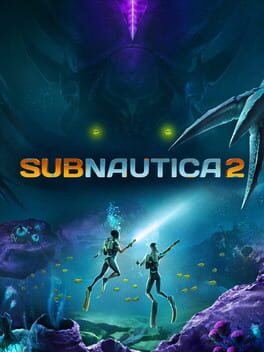
Subnautica 2 is an underwater survival adventure set on an all-new alien world, developed by Unknown Worlds. Play alone or with friends in 4-player co-op. Adapt to survive by building custom bases and crafting tools. Explore the unknown to uncover the mysteries hidden within the depths.
- Genre Adventure
- Platforms Xbox Series X|S, PC (Microsoft Windows)
- Perspective First person
- Modes Single player, Multiplayer, Co-operative
- Release May 14, 2026
- Publisher Unknown Worlds Entertainment
-
Age Rating