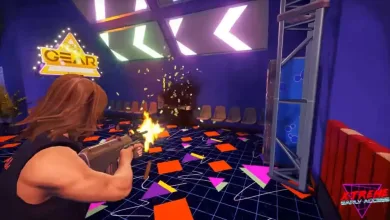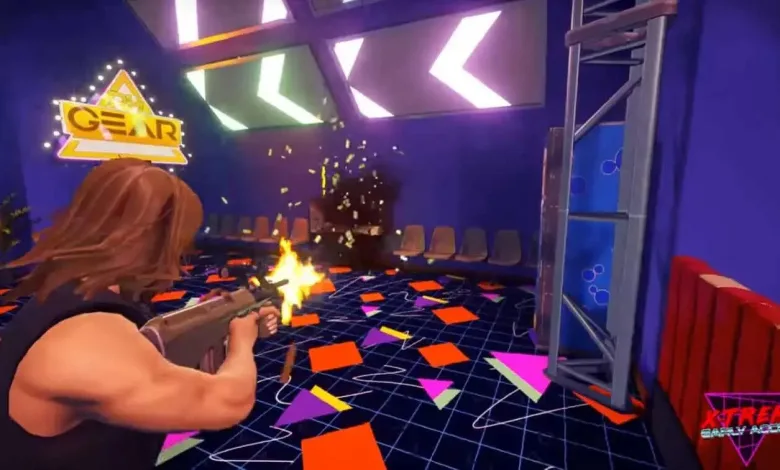
After its massive appearance to the whole world, Radical Heights players have been struggling with the green flickering which usually appears if you’re running the game at fullscreen. Well, still, running any game at full screen will pretty much boost your FPS a bit.
By that being said, do not despair at all. At this moment you could enjoy playing the game on Borderless Window. And yes, we know that it is very annoying to taste the latency and playing alongside throughout the whole game. The relief can be found in developers’ promise that they’re working on it, and as soon as they fix it an update will be available to download. Just as after launch.
Temporary Fix (nothing else found except the swap to Borderless Window):
Go to in-game’s Option -> Display Settings -> Change Full Screen to Borderless Window both for the in-game and menu.
By doing the above, the green flickering and screen tearing will be gone, which will allow you to at least experience Radical Heights. Overall, the game has introduced very promising mechanics, especially the long-term ones by having an ATM and BANK system. This will surely keep players put in the game, and will be one of the primary reasons to acquire the favorite gear when in-game.
We think that Radical Heights is yet another BR game to become famous.