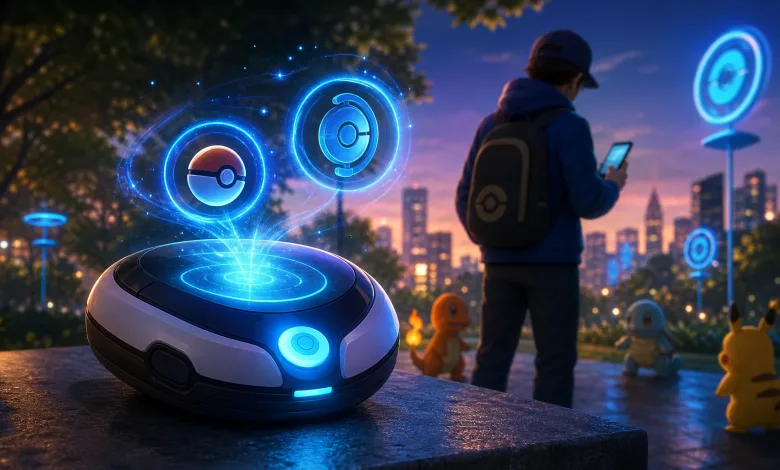
Pokémon GO has a small Advanced Settings option that can help Trainers keep regular Poké Balls in reserve for the Explorer Gadget instead of throwing them manually by accident. Turn on Remember Last-Used Poké Ball, and the game will automatically select the ball used for your previous catch when the next encounter begins.
A Reddit post highlights the setting with its switch enabled. The description beneath it explains that the last-used Poké Ball becomes the automatic choice at the next encounter.

Turn this on if you want to avoid accidentally throwing regular pokeballs that can be saved for your gadget.
byu/derf_vader inpokemongo
How to use the remembered Poké Ball setting
Open Pokémon GO’s Advanced Settings and turn on Remember Last-Used Poké Ball. Before finishing a manual catching session, select the type of ball you want to use next. The following encounter will open with that ball selected rather than automatically putting a regular Poké Ball in your hand.
If you are saving regular Poké Balls for the Explorer Gadget, use another type of ball for your last manual catch and leave the setting enabled. That gives you a simple way to avoid wasting the regular balls you want the gadget to use during its automatic catching.
The option only changes the ball selected for your next encounter, so it is still worth checking the catching screen before every throw. A quick glance can prevent an unwanted ball from disappearing, especially when you are switching between manual catches and the gadget.
Have you been using this setting to protect your regular Poké Balls for the Explorer Gadget? Share your thoughts in the comments, and follow us on X, Bluesky, YouTube, Instagram, Steam, and Telegram.
Pokémon Go
Developed by Niantic Labs, The Pokémon Company
Pokémon Go is an augmented reality mobile game that uses GPS to let players locate, capture, train, and battle Pokémon in real-world locations. Players explore their physical surroundings to find PokéStops for items, battle at Gyms for team control, participate in Raid Battles cooperatively, and compete in the Go Battle League's player-versus-player format. The game is free-to-play with in-app purchases and features Pokémon from across multiple generations of the franchise.
- Genre Role-playing (RPG), Simulator
- Platforms Android, iOS
- Perspective Third person, Bird view / Isometric, Side view
- Modes Single player, Massively Multiplayer Online (MMO)
- Release July 6, 2016
- Publisher Niantic Labs
-
Age Rating