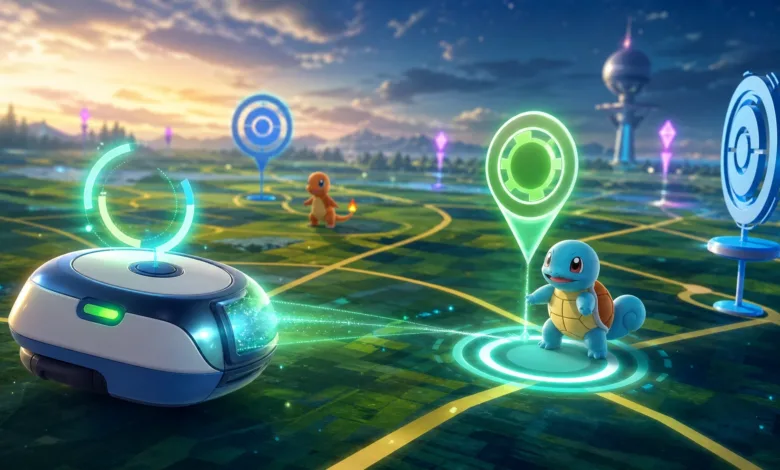
Pokémon GO’s Explorer Gadget can now attempt to catch Pokémon and spin PokéStops while Trainers play, instead of working only in the background, the official announcement confirms. A pink indicator marks its next target and gives players a brief chance to take over.
The Poké Ball icon appears above a targeted Pokémon or PokéStop, with an outer ring that fills before the gadget acts. Trainers can tap the target to catch or spin it themselves during that window. If a Pokémon runs away, a message appears beside the gadget icon.


One Trainer shared the indicator in a Reddit post, though that sighting alone did not establish how widely it was available.
Using the Explorer Gadget during play
Trainers at level 20 or above who have the Explorer Gadget can activate it from the icon in the top-right corner of Map View or from Key Items in the Item Bag. Opening the gadget in either place also shows which Pokémon it caught and how many PokéStops it spun.
The gadget skips some Pokémon, including mighty Pokémon and those not yet registered in the Trainer’s Pokédex. A Pokémon GO Plus + or another accessory can stay paired, but it cannot be active at the same time as the gadget.
Automatic activity can still continue while the game is closed. In August, an Explorer Gadget panel described automatic Poké Ball throws and PokéStop spins while Pokémon GO was closed. That screen showed one use per day and counters of 0/50 for both activities.
Pokémon GO Patch Notes
The direct Appraise shortcut lets Trainers check IVs without opening the Additional Options menu. Pokémon GO also listed the following recent gameplay and visual changes.
- Updated Catch Summary: Upon catching Pokémon, Trainers will see an improved catch summary with improved visuals that make rewards and catch bonuses clearer.
- Dedicated Appraise Button: Quicker access to appraisal information for a Pokémon via a dedicated button above the Additional Options button on a Pokémon’s summary page.
- Power Spot Encounters: To improve the consistency of wild encounters for all players, visiting a Power Spot or placing a Pokémon at a Power Spot after winning a Max Battle will no longer trigger special wild encounters around the Power Spot.
- Encounter Ring Indicators: The ring visual surrounding wild Pokémon that are attracted by Lure Modules or encountered while exploring a Route has been updated.
- PokéStop Color Saturation: The color saturation of spun PokéStops was updated to provide clearer visual contrast with unspun PokéStops.
- Visual Effects: The effects that surround Pokémon when they’re attracted by the Mystery Box or Coin Bag have been updated.
Have you spotted the Explorer Gadget indicator on your map? Follow the gadget’s ongoing changes on X, Bluesky, YouTube, Instagram, Steam, and Telegram.
Pokémon Go
Developed by Niantic Labs, The Pokémon Company
Pokémon Go is an augmented reality mobile game that uses GPS to let players locate, capture, train, and battle Pokémon in real-world locations. Players explore their physical surroundings to find PokéStops for items, battle at Gyms for team control, participate in Raid Battles cooperatively, and compete in the Go Battle League's player-versus-player format. The game is free-to-play with in-app purchases and features Pokémon from across multiple generations of the franchise.
- Genre Role-playing (RPG), Simulator
- Platforms Android, iOS
- Perspective Third person, Bird view / Isometric, Side view
- Modes Single player, Massively Multiplayer Online (MMO)
- Release July 6, 2016
- Publisher Niantic Labs
-
Age Rating