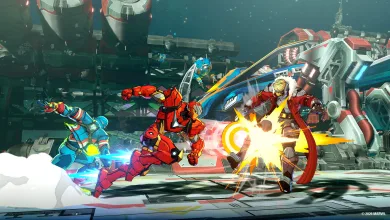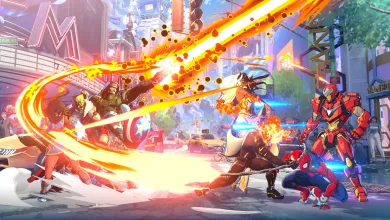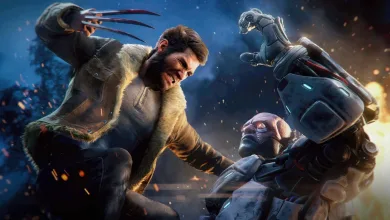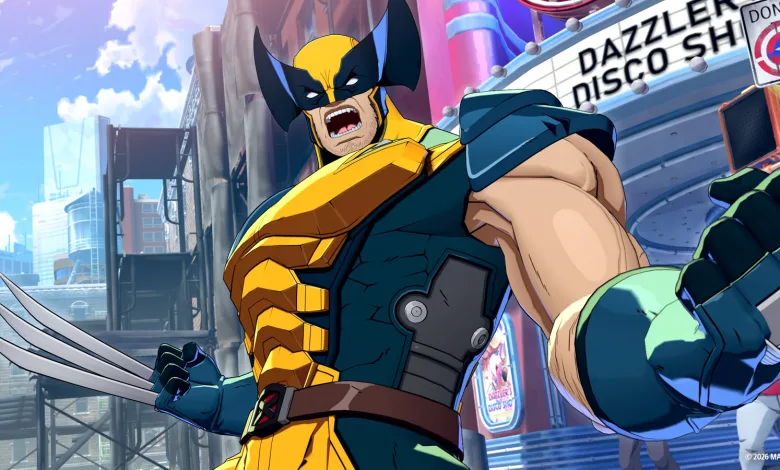
MARVEL Tōkon: Fighting Souls will host its Open Beta on PlayStation 5 and PC from July 24 through July 26. The 4v4 fighter has plenty of moving parts, but you do not need to learn everything at once. PlayStation’s official beginner guide breaks down the best ways to choose a character, practice team mechanics, and get comfortable with the controls.
Start with a character who feels comfortable
The character select screen includes an Ease of Use rating. More stars indicate a simpler starting point, which can make the first few matches less overwhelming.


Captain America, Ms. Marvel, and Wolverine are among the friendlier choices for beginners. Iron Man and Spider-Man also offer fairly approachable tools. Storm and Danger have more demanding playstyles, so they may take longer to learn.
Since the active fighter can remain in battle for the whole match, starting with a hero you already like is a good idea. Team composition matters too. A close-range attacker such as Wolverine can pair well with Iron Man’s long-range pressure, although the best lineup is the one you enjoy using.
Use Startup Battle before jumping into matches
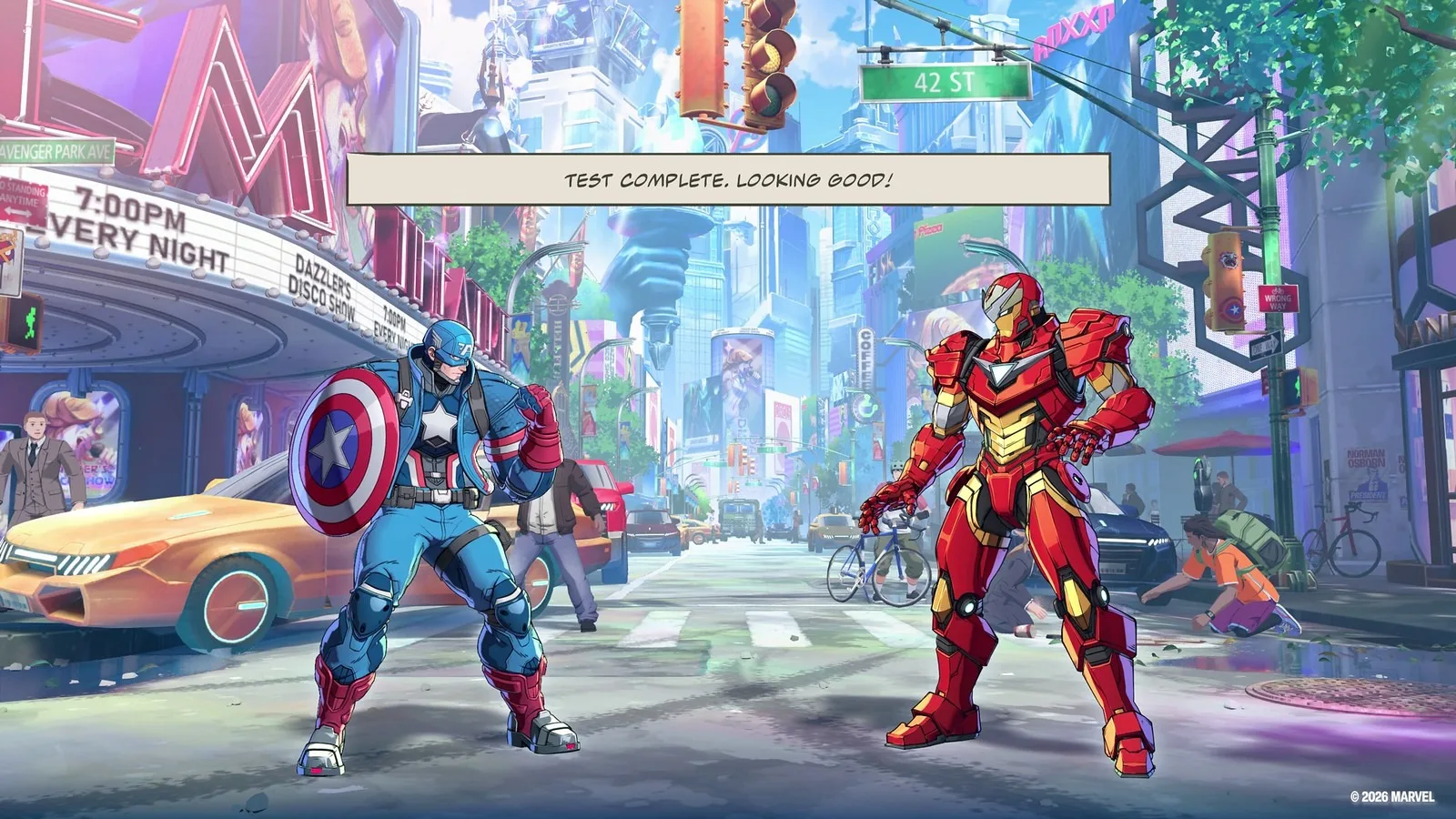
Startup Battle teaches the game’s core systems through a series of hands-on lessons with Captain America. It covers Light (□), Medium (△), and Heavy (○) attacks, then moves into combos, Skills, and character-specific actions.
The mode has two sections:
- Basics explains actions performed by one character.
- Assemble introduces the team mechanics and shared actions.
Players with fighting-game experience can go straight to Assemble, while everyone else should begin with Basics. Training Mode is also available for practicing at your own pace.
Learn simple combos and defensive options
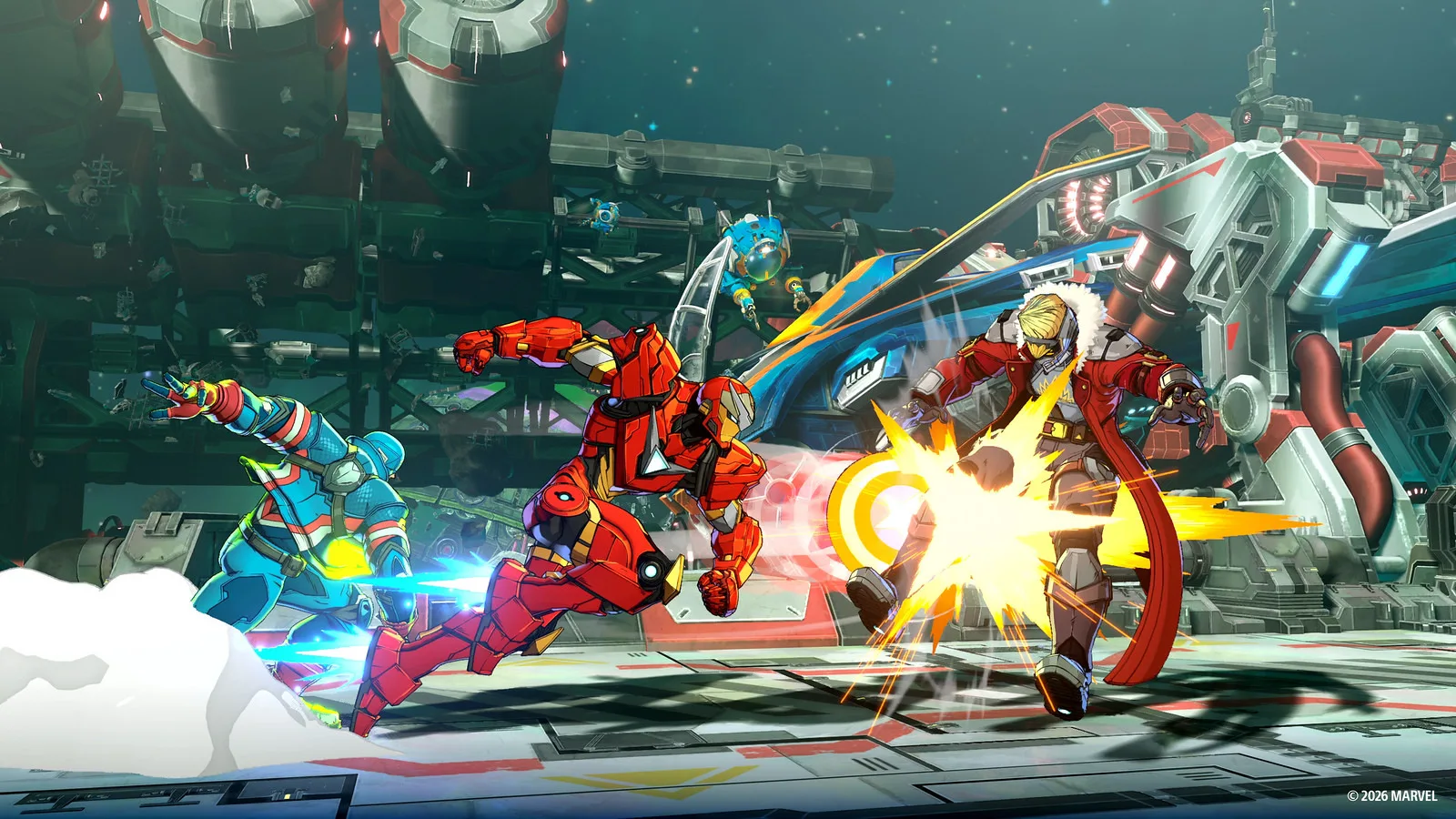
The Link Attack system gives new players an easy way to start building combos. Repeatedly pressing the same attack button creates straightforward sequences:
L → L → L → Lchains into a Skill and can trigger a Break, which transitions the stage.M → M → Mleads into a powerful Super Skill.H → H → Hleads into an Ultimate Skill.
Once those strings feel natural, try a longer route such as L → M → H → Skill → Assemble Rush → Follow-up Attack. Team coordination adds more combo routes, so pay attention to how your teammates can extend an attack.
Defense starts with Guard. Hold ← for a standing guard or ↙ for a crouching guard.
Two further options are worth practicing in Startup Battle:
- Assemble Counter: Press □ + × while not guarding. Your character steps backward, and an attack during the maneuver triggers a counterattack.
- Crossover: Press □ + × while guarding. A teammate interrupts the opponent and creates a chance to respond.
Make use of assists and switches
Press × to call a teammate for an Assemble Assist attack. You can also switch fighters with a directional input and L2.
- Neutral or → + × calls the second teammate.
- ↓ + × calls the third teammate.
- ← + × calls the fourth teammate.
For direct switching, use the same directional inputs with L2. For example, ← + L2 switches to the fourth teammate.
Assists are a comfortable place to begin because they let you involve the rest of the team without immediately taking a fighter off the field. After an assist, a brief “Switch?” prompt appears. Pressing L2 during that window lets you move into the called-in character and keep the attack flowing.
Choose between Quick Skills and Command Inputs
Skills can be performed in two ways. Quick Skills use a single button, while Command Inputs use traditional motion inputs.
Quick Skills are a sensible starting point when you are still learning the rest of the game. Command Inputs deal slightly more damage and generate more Skill Gauge, so they offer extra rewards once you are comfortable with the controls. The Quick Skill button can also be changed in the control settings.
Try the Amazing Guardians Episode
The Open Beta includes part of the Amazing Guardians Episode. This section follows Spider-Man as he forms his team and includes story moments involving Promoter and Champion.
The story uses motion-comic scenes before sending players into battles. It gives the beta a single-player option alongside its matches, and makes Episode Mode a good next stop after Startup Battle. The upcoming test’s broader schedule and access details are collected in this Open Beta schedule.
MARVEL Tōkon: Fighting Souls Open Beta dates
The Open Beta will run on PlayStation 5 and PC from July 24 through July 26. Begin with Startup Battle, pick a character you enjoy, and add more team mechanics as you become comfortable. There is no need to memorize every system before your first match.
Which hero will lead your first team in the Open Beta? Share your thoughts in the comments, and follow us on X, Bluesky, YouTube, and Instagram.
Marvel Tokon: Fighting Souls
Developed by Arc System Works
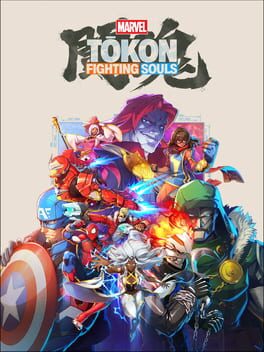
Assemble your team of legendary Marvel characters in the ultimate 4v4 tag team fighter from PlayStation Studios, Arc System Works and Marvel Games.
Immerse yourself in the Marvel universe like never before with an iconic roster of heroes and villains, authentic stages, and intuitive gameplay mechanics. Experience the thrill of fast-paced over the top action with stunning anime-inspired visuals, where every battle is a unique and exciting team VS battle experience.
- Genre Fighting
- Platforms PC (Microsoft Windows), PlayStation 5
- Perspective Side view
- Modes Single player, Multiplayer, Split screen
- Release August 6, 2026
- Publisher PlayStation Studios, Sony Interactive Entertainment, Marvel Games
-
Age Rating