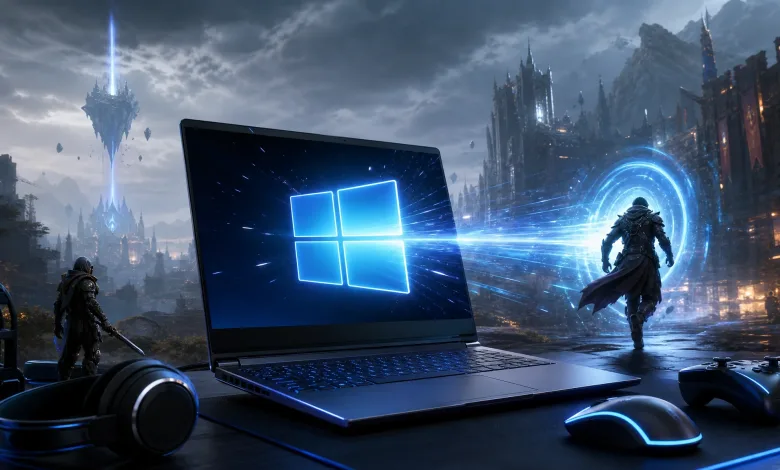
Microsoft’s August 12, 2026, Windows 11 update, KB5121003, is bringing a small but useful change to the way apps start. The update includes builds 26200.9168 and 26100.9168, with its low-latency profile now meant to help with app launches as well as parts of the Windows interface.
Windows Latest reports that the feature is part of the latest release. Microsoft’s KB5121003 support page identifies the update for Windows 11 24H2 and 25H2.

How the low-latency profile affects app launches
The profile first covered Windows elements such as the Start menu. Its app support now broadens the feature’s reach, giving the system a way to react faster during the short bursts of processor activity that happen when a program opens.
In practical terms, Windows’ scheduler can push the CPU toward high clock speeds when a brief task appears, then reduce those speeds again sooner after the work finishes. That behavior is aimed at quick actions such as launching an app, rather than long workloads that keep the processor busy for minutes at a time.
It is not a promise that every program will open instantly. Startup code, storage speed, background processes, and the app itself can still affect how long users wait. KB5121003 is also listed as a security update, so the performance change is a welcome addition rather than the update’s entire purpose.
How to check whether the feature is active
The low-latency profile should arrive automatically with the latest Windows 11 update. After KB5121003 is installed, users can watch their CPU clock speed with monitoring software such as HWiNFO while opening a program. A brief boost close to the processor’s maximum speed would be consistent with the feature working, although that is not the same as a controlled performance test.
The change also arrives as Microsoft may be charging OEMs more for Windows licenses, another Windows cost issue discussed in reported Windows licensing fees. A quicker response to everyday actions will not settle that debate, but it is at least a useful direction for Windows 11 updates.
After trying KB5121003, share your thoughts in the comments and let readers know whether app launches feel faster. Stay connected on X, Bluesky, YouTube, Instagram, Steam, and Telegram.