How to Find GTA 6 Safe Codes During Robberies
Robbery combinations are randomized, but you can search for them on-site or make an employee reveal one.

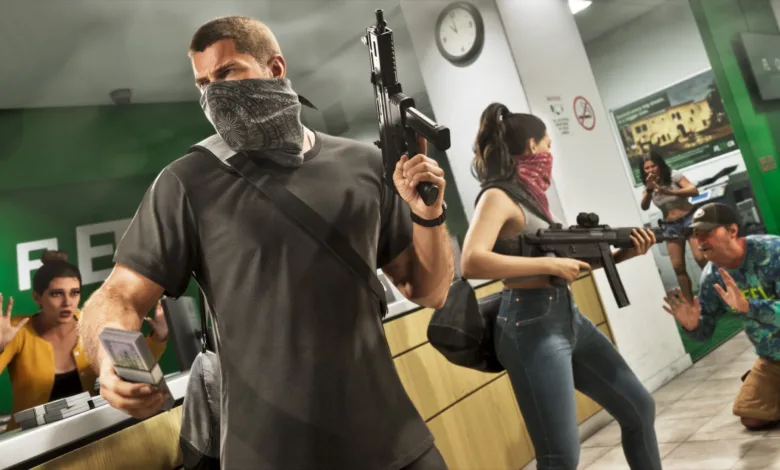
During a GTA 6 robbery, search the premises for the safe code or aim your weapon at an employee and choose “Threaten” or “Safe Code?” when the prompt appears. Story-mission safes use codes supplied during the mission, while robbery codes are randomized.
Check the back office for a note or board with the combination, and search incapacitated guards for a written code. Press L3 and R3 together to activate Focus Mode, which can help you find it.


In some robberies, threatening a cashier also makes them empty the register, as in earlier GTA games. Once you reach the safe, its code appears in the lower-right corner of the screen. Enter all 4 digits to open it.
To choose a target, select an establishment on your map. You can see whether it has a safe, its security level from low to high, and the approximate value of its goods.
Would you search for a written code first or pressure an employee when a robbery gets hectic? For more on how GTA 6’s robberies handle safe codes and loot, follow us on X, Bluesky, YouTube, Instagram, Steam, and Telegram.
Grand Theft Auto VI
Developed by Rockstar North, Rockstar Games

Grand Theft Auto VI heads to the state of Leonida, home to the neon-soaked streets of Vice City and beyond in the biggest, most immersive evolution of the Grand Theft Auto series yet.
- Genre Shooter, Racing, Adventure
- Platforms Xbox Series X|S, PlayStation 5
- Perspective First person, Third person
- Modes Single player, Multiplayer, Co-operative
- Release November 19, 2026
- Publisher Rockstar Games, Take-Two Interactive
-
Age Rating