Counter-Strike 2 Adds Toggle Controls for Silent Reloads
Players can release the reload button after a silent reload begins, and Valve also fixed AMD liquid rendering and demo-rewind issues.

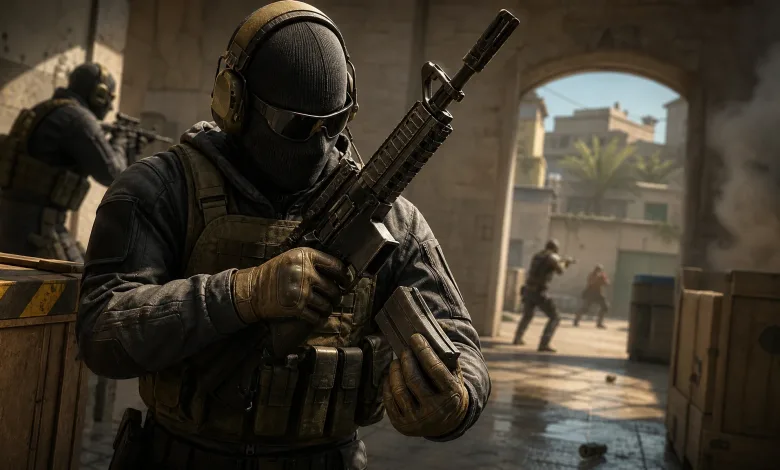
Counter-Strike 2 now lets players switch Silent Reload Mode between Hold and Toggle. With Toggle enabled, players can release the reload button once a silent reload starts, then tap it again to cancel and return to a fast reload. Valve’s Steam update also includes reload audio and demo playback fixes.
The audio fix follows a September patch that addressed loud reloads continuing during stealth reloads. This update targets cases where the first reload sound played even when a silent reload was requested.


Other fixes cover liquid rendering black on AMD video cards and sound and interface bugs when rewinding during demo playback.
Counter-Strike 2 Patch Notes
[ GAMEPLAY ]
- Added an option to switch Silent Reload Mode between Hold and Toggle. With toggle enabled, once the silent reload starts you can let go of the reload button. To cancel a silent reload and go back to a fast reload, you can tap the reload button again.
- Fixed various cases where the first sound of a reload was audible irrespective if a user requested a silent reload or not.
[ MISC ]
- Fixed a bug where liquid could render as black on AMD video cards
- Fixed some sound and UI bugs when rewinding during demo playback
Would Toggle mode change how you use silent reloads? Follow us on X, Bluesky, YouTube, Instagram, Steam, and Telegram for more coverage of Counter-Strike 2’s reload controls and demo playback changes.
Counter-Strike 2
Developed by Valve

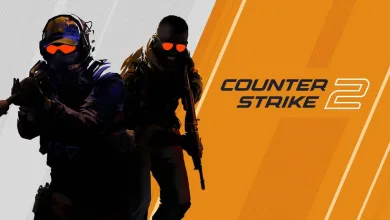
Counter-Strike 2 is a free-to-play multiplayer tactical first-person shooter developed and published by Valve. Released in September 2023, it is the fifth main entry in the Counter-Strike series and serves as a direct replacement for Counter-Strike: Global Offensive on Steam. Two teams, Terrorists and Counter-Terrorists, compete in objective-based rounds across modes such as bomb defusal and hostage rescue. Built on the Source 2 engine, the game introduced volumetric smoke physics, revised weapon handling, and a new sub-tick server architecture. It inherited all cosmetic items from its predecessor and features both a map-specific Competitive mode and a numerically ranked Premier mode.
- Genre Shooter, Tactical
- Platforms Linux, PC (Microsoft Windows)
- Perspective First person
- Modes Single player, Multiplayer
- Release September 27, 2023
- Publisher Valve
-
Age Rating





-
Time to Beat
- Main
- 1h
- Main + Extras
- 14h
- Completionist
- 139.8h