Battlefield 6’s Top Gun Phase Is Live With Carrier Battles and Simplified Jet Controls
Update 1.4.2.0 also brought back Wake Island, added two jets, and introduced the ADS Dispersion Crosshair setting.

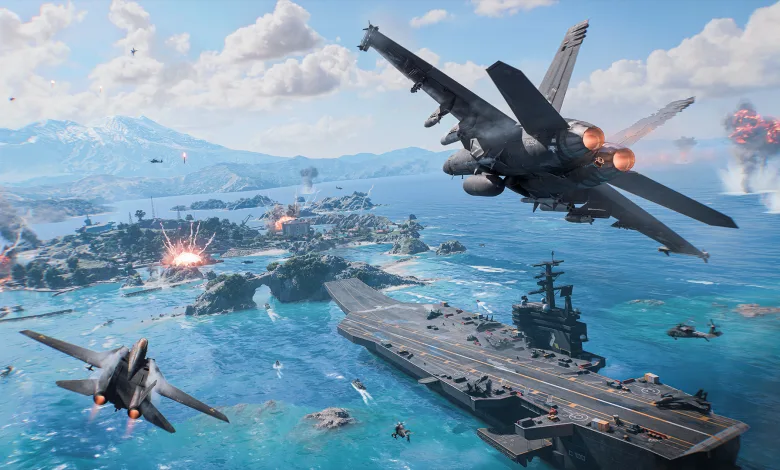
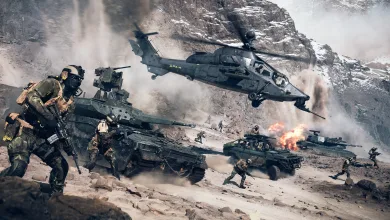
Battlefield 6 Season 4: Top Gun is live, with Phase 2 putting carrier warfare and aerial combat in the spotlight. The content arrived on August 18 alongside Carrier Strike, the return of Wake Island, two jets, and the new Gauntlet: Fighter Sweep mode.
The Battlefield team used a Steam announcement to recap the live content and call attention to a few changes that could be easy to miss, including a new way to read weapon spread and a simpler control option for jets.

Carrier Strike returns to Tsuru Reef
Carrier Strike places Tsuru Reef in the middle of a Pacific assault. Pax Armata is targeting the USS Grant aircraft carrier base while deploying its own carrier, the PXS Condor. NATO players must defend the position and stop Pax Armata from claiming another sector.
The mode is one of the main attractions in Top Gun, and the Carrier Strike mode guide covers the returning battle in more detail. Wake Island has also returned to the rotation, giving the season another map built around the Pacific setting. Battlefield’s Wake Island developer map guide provides the official breakdown of its return.
Top Gun adds more ways to take to the skies
Two jets are now available on Wake Island, including a two-seater. Players looking for a more focused air battle can also enter Gauntlet: Fighter Sweep, the new mode built around jet combat.
Update 1.4.2.0 also introduced Simplified Jet Controls. Rather than manually managing pitch, roll, and yaw, players can look toward the direction they want to fly and let the jet align with that view. It is an alternative control method for anyone who wants to get airborne without wrestling with every aircraft input at once.
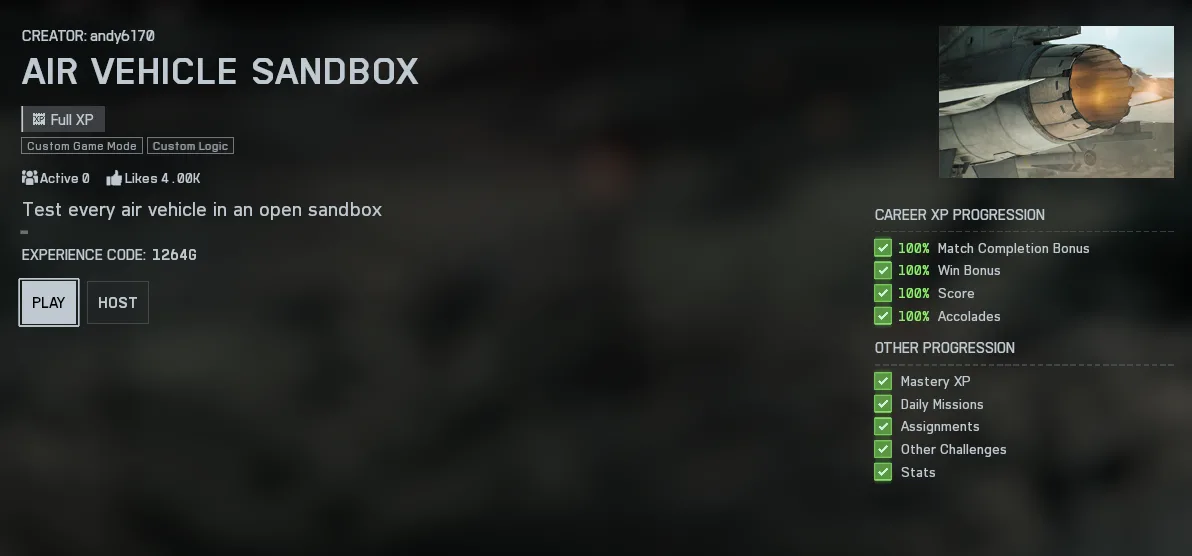
Those controls can be tested in the Air Vehicle Sandbox in Portal. Search for experience code 1264G to practice flying.
A new way to read weapon spread
One of the quieter additions in the season update is the ADS Dispersion Crosshair. When enabled, the indicator shows the current amount of Dispersion, also known as bloom or spread, while aiming down sights.
With automatic weapons, the indicator grows as sustained fire makes the weapon less accurate. Movement also affects the display, giving players a clearer view of how their actions influence accuracy. The goal is to make Dispersion easier to understand and help players adjust their shooting technique.
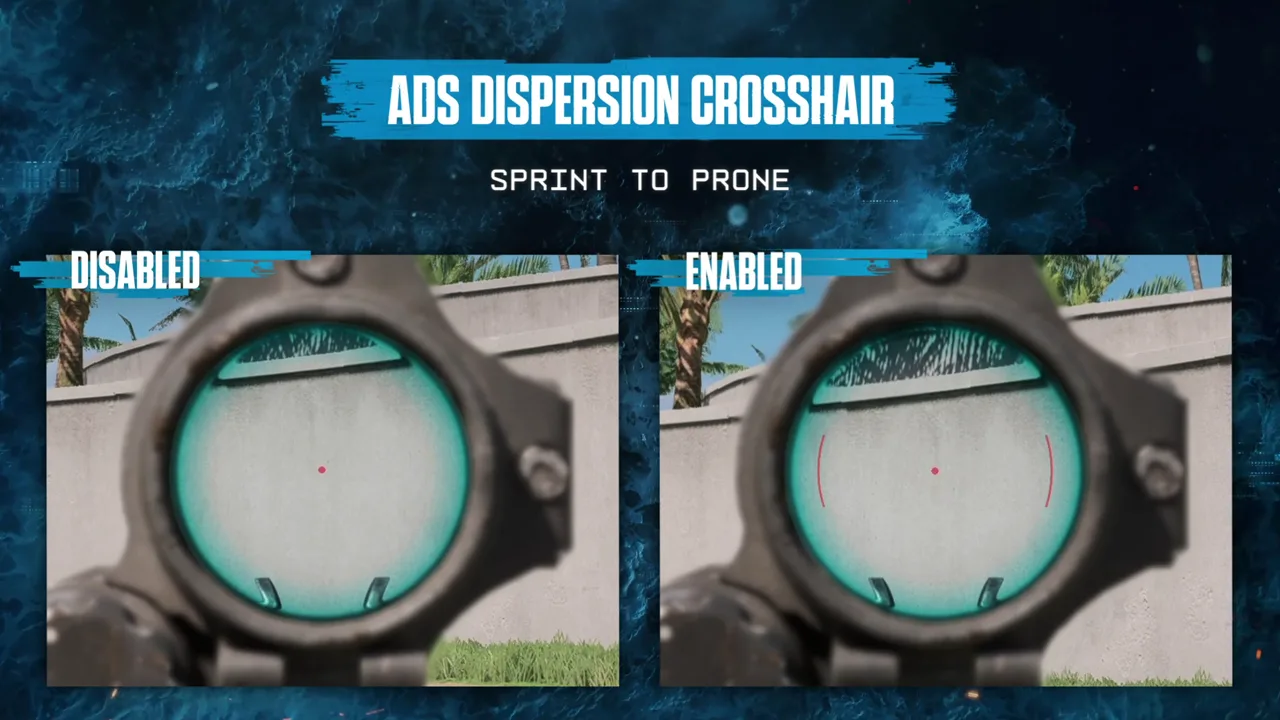
The option is located under HUD/CROSSHAIR. It is enabled by default in the firing range, while multiplayer players can turn it off or enable it for their matches. An opacity slider and color picker are also available for further customization. The complete Update 1.4.2.0 notes cover the rest of the changes that arrived on August 18.
Will you be spending more time defending carriers, learning the new jets, or tuning the crosshair? Share your thoughts in the comments, and follow us on X, Bluesky, YouTube, Instagram, Steam, and Telegram.
Battlefield 6
Developed by EA Digital Illusions CE
Battlefield 6 is a first-person shooter featuring a single-player campaign and team-based online multiplayer. Players fight as infantry or operate military vehicles across large-scale battlefields, using class-based squad roles, environmental destruction, and a range of weapons and equipment.
The game also includes Battlefield Portal, a toolset for creating and sharing custom multiplayer experiences.
- Genre Shooter
- Platforms Xbox Series X|S, PC (Microsoft Windows), PlayStation 5
- Perspective First person
- Modes Single player, Multiplayer
- Release October 10, 2025
- Publisher Electronic Arts
-
Age Rating