
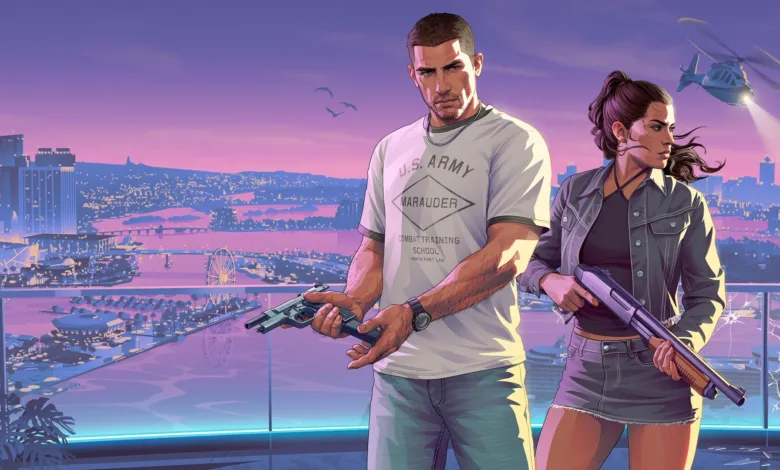
A GTA 6 glitch on Xbox Series X can push the game above its usual frame-rate cap, but it may speed up gameplay along with the picture. The reported method used a 120Hz display and game version 01.002.001. Its author was unsure whether it still works on later versions.
GTA VI FPS Unlock Glitch
byu/Meowwie64 inGTA6unmoderated

Try the frame-rate glitch
You’ll need an Xbox Series X, a 120Hz display, and GTA 6 on version 01.002.001 for the reported setup. The method relies on Quick Resume, which lets you return to GTA 6 after switching to another game without closing it.
- Set your Xbox display output to 60Hz.
- Start GTA 6 and wait until the 6 stars appear in the intro.
- Change the Xbox display output back to 120Hz.
- Press the Xbox button to open the Guide, then cold boot another game without quitting GTA 6.
- Switch back to GTA 6.
The person who shared the method reported a stable 90 FPS, but also said gameplay sped up. Jason’s animations in his Chapter 1 house ran at twice their normal speed or faster, and the game world moved faster outside the house. Cutscenes reportedly played normally. That is one player’s result, not a confirmed effect across every version.
Since the glitch can affect gameplay timing, it is better treated as an experiment than a clean 60 FPS mode. If you’ve tried it, did your version keep gameplay at normal speed? For more on GTA 6’s controller and performance workarounds, follow us on X, Bluesky, YouTube, Instagram, Steam, and Telegram.
Grand Theft Auto VI
Developed by Rockstar North, Rockstar Games
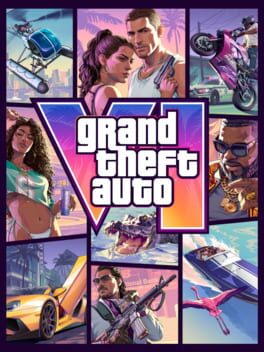
Grand Theft Auto VI heads to the state of Leonida, home to the neon-soaked streets of Vice City and beyond in the biggest, most immersive evolution of the Grand Theft Auto series yet.
- Genre Shooter, Racing, Adventure
- Platforms Xbox Series X|S, PlayStation 5
- Perspective First person, Third person
- Modes Single player, Multiplayer, Co-operative
- Release November 19, 2026
- Publisher Rockstar Games, Take-Two Interactive
-
Age Rating


