GTA 6 Has No Full First-Person Mode, but Players Found a Workaround
Players will have three third-person camera heights and a first-person view for using the cellphone.

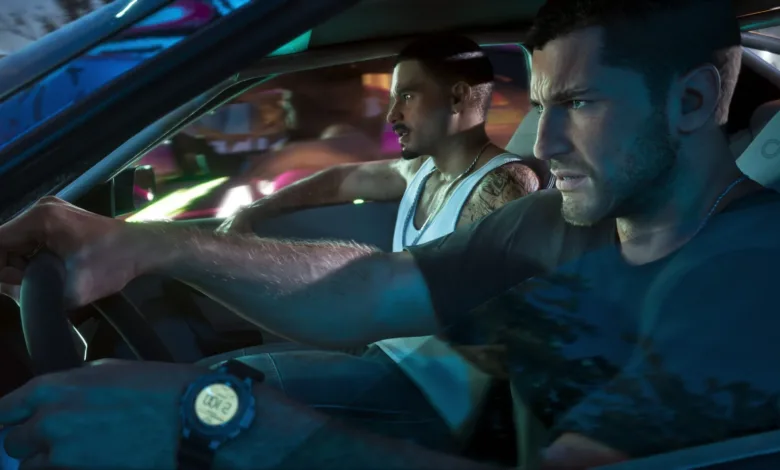
GTA 6’s normal camera settings do not offer a full first-person gameplay mode, but a player-discovered controller sequence opens a roaming first-person view from inside a car. It is an input workaround, not a selectable camera mode.
Switch between the standard camera views
Hold Down on the D-pad to cycle through the three third-person camera heights. To set one through the menus, open Settings, choose Camera, then adjust Third-Person Camera Height. The cellphone has a separate first-person view, which can also be changed in Settings.


An October leak had shown first-person footage, but it did not establish that players could control the view. The player-discovered sequence supplies a practical way to access it.
Trigger the roaming first-person view
The sequence surfaced in a player post on Reddit.
- Open controller settings and, under Controller Features, change the view button to Camera 2 / 2.
- Get into a car and open the phone with the D-pad.
- Press Circle on a PlayStation controller or B on an Xbox controller, then quickly press Select.
The view supports movement rather than locking the player in place. To return to third person, save while in first person, then load that same save. It does not need to be an older save.
Would you put up with the camera clipping and awkward car break-ins to use the roaming view? Stay connected for more on the difference between GTA 6’s standard camera settings and player-found workarounds through X, Bluesky, YouTube, Instagram, Steam, and Telegram.
Grand Theft Auto VI
Developed by Rockstar North, Rockstar Games
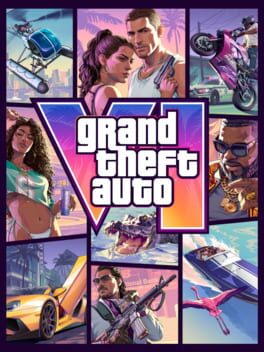
Grand Theft Auto VI heads to the state of Leonida, home to the neon-soaked streets of Vice City and beyond in the biggest, most immersive evolution of the Grand Theft Auto series yet.
- Genre Shooter, Racing, Adventure
- Platforms Xbox Series X|S, PlayStation 5
- Perspective First person, Third person
- Modes Single player, Multiplayer, Co-operative
- Release November 19, 2026
- Publisher Rockstar Games, Take-Two Interactive
-
Age Rating