7 Days to Die’s V3.0.1 Stable Build Cleans Up a Long List of Bugs
The update fixes Sign Tech errors, missing outfit arms, PvP damage problems, airdrop issues, and several editor bugs.

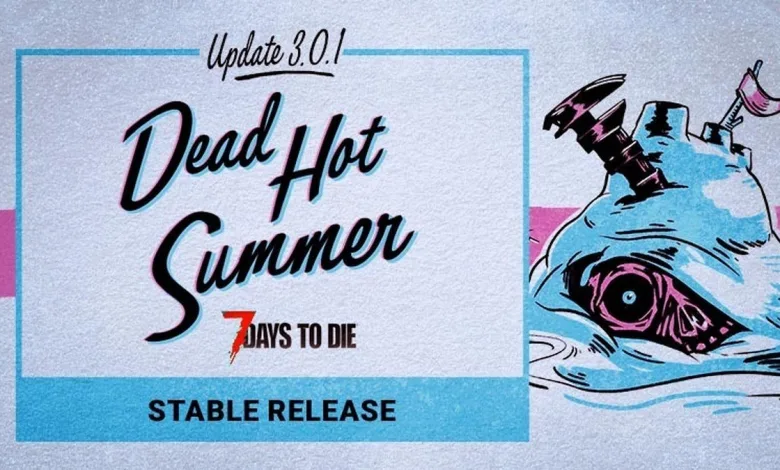
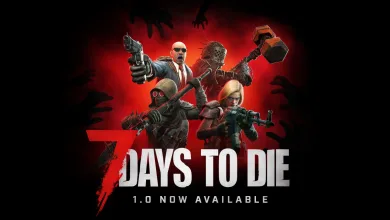
7 Days to Die V3.0.1 moved to the Stable branch on July 13, 2026, bringing a batch of fixes for problems reported during the V3.0.0 b259 build. The Fun Pimps detailed the release in the official Steam announcement.
The update gives Sign Tech better error handling and addresses issues across cosmetics, combat, sandbox settings, menus, world editing, and networking. Players should also see fixes for missing outfit arms, broken inventory buttons on zombie loot bags, and item degradation resetting after a restart and server rejoin.
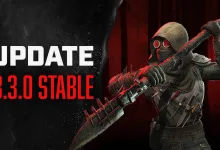
Several problems tied to the Dead Hot Summer content are included as well, with the Beachwear Cosmetic receiving multiple corrections. The patch also fixes cases where players could take PvP damage despite killing settings being disabled, while airdrops now appear at night when the related sandbox option is active.
Patch Notes — V3.0.1 Stable
This release moves the V3.0.1 fixes from the earlier V3.0.0 b259 build into the Stable branch. The notes cover Sign Tech, cosmetics, challenges, PvP rules, airdrops, menus, editors, and network errors.
Changed
- Sign Tech error handling improvements
Fixed
- Several issues related to the Beachwear Cosmetic
- Several male and female outfits missing arms
- An issue in the Sign Tech system that could cause ArgumentNullException errors when joining a game
- Item max degradation can be reset by restarting game and rejoining a server
- Zombie loot bag name and missing inventory action buttons
- Dedi client Biome zombie kills with Celebrate do not count towards Kill Challenge
- Error in console when a client kills with celebrate turned on
- Players can take PVP damage with no killing settings under some conditions
- Cannot pick up user-placed items at claimed trader
- Airdrops not dropping at night when sandbox setting is set to “night”
- Splash screen message can be seen behind main menu load
- Localized text overlapping on player screen
- Typing s while searching in shape menu can unintendedly favorite a shape
- Unsaved Custom Preset Summary does not always update last changed item
- Door frame in downtown_filler_30 cannot be damaged
- Changing RWG preview quality after returning to the screen causes an error
- Prefab Editor part name in POI marker editor is overlapping
- World Editor was visible on consoles
- NRE when receiving NetPackageLockRequest
Have you run into any of these issues in the V3.0.0 b259 build? Share your thoughts in the comments, and follow us on X, Bluesky, YouTube, and Instagram.
7 Days to Die
Developed by The Fun Pimps
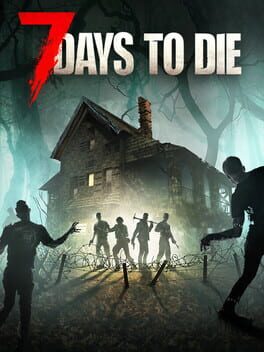
Set in a brutally unforgiving post-apocalyptic world overrun by the undead, 7 Days to Die is an open-world game that is a unique combination of first person shooter, survival horror, tower defense, and role-playing games. It presents combat, crafting, looting, mining, exploration, and character growth, in a way that has seen a rapturous response from fans worldwide. Play the definitive zombie survival sandbox RPG that came first. Navezgane awaits!
- Genre Shooter, Role-playing (RPG), Simulator, Strategy, Adventure, Indie
- Platforms Xbox Series X|S, PlayStation 4, Linux, PC (Microsoft Windows), PlayStation 5, Mac, Xbox One
- Perspective First person, Third person, Virtual Reality
- Modes Single player, Multiplayer, Co-operative, Split screen
- Release July 25, 2024
- Publisher Telltale Games, The Fun Pimps
-
Age Rating