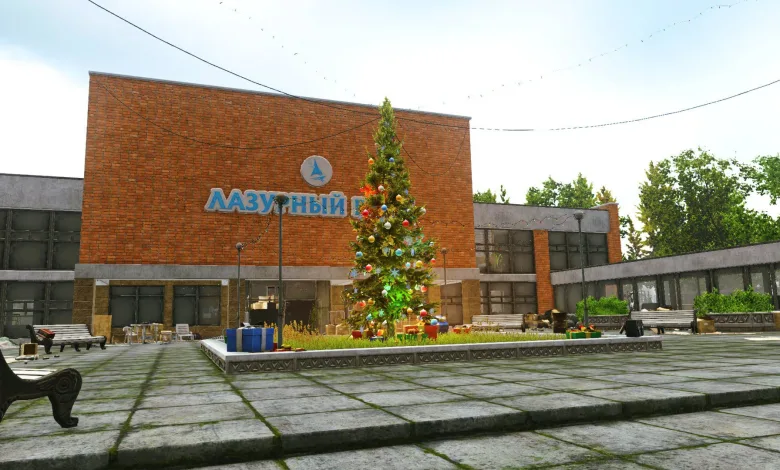
As with every other wipe, Battlestate games will give their fair share of presents to all Escape From Tarkov players. This time, we get another gift in the wake of the Christmas and New Year. To have a bit of a boost throughout the holidays, all players can get a gift, which can be claimed through your profile on the official website.
Escape From Tarkov Christmas Gift Contents
The contents for this year’s Christmas Gift can be found in the image below:

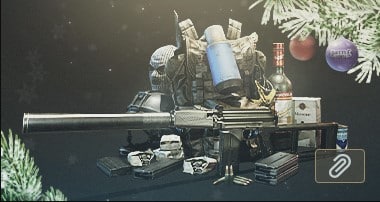
The gift includes:
- VSK 94, 210 rounds of sp-5
- (4) 20 round mags
- Balaclava
- Condensed Milk
- Vodka
- Milk
- 3 ornaments
- Neosteel high-cut helmet
- PT-25 backpack
How to claim Escape From Tarkov Gifts?
- Go to EscapeFromTarkov.com.
- Log in with your credentials.
- If not redirected, click PROFILE at the top right.
- Scroll down until you see the gift image.
- Click on the attachment button on the image.
- Go in-game. You will have a message from SYSTEM.
- Click on Get or Receive Contents.
- The gifts will appear on your left.
- Click receive all to transfer them to your inventory.