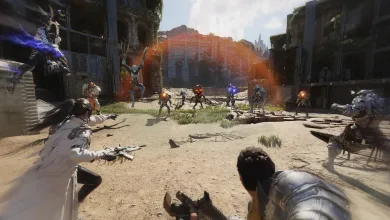
Some The First Descendant PC environments are seeing abnormally high system memory (RAM) use during gameplay. It can cause frame drops, stuttering, or prevent the game from running properly. Nexon is investigating a possible connection to the NVIDIA graphics driver’s shader cache and suggests clearing it as a temporary workaround in its Steam notice.
To try the workaround, fully exit the game, then enter %USERPROFILE%\AppData\Local\NVIDIA\DXCache in the Windows File Explorer address bar. Delete the cache files inside the folder, restart your PC, and launch the game again.


The cache will rebuild the next time the game launches, which may cause temporary stuttering. Skip any files that cannot be deleted because they are in use. Nexon cautions that this workaround may not have the same result in every environment, and the investigation into the cause is continuing.
Have you seen RAM spikes in The First Descendant, and did clearing the cache make a difference? Follow us on X, Bluesky, YouTube, Instagram, Steam, and Telegram for updates as Nexon investigates the memory issue.
The First Descendant
Developed by Nexon Games

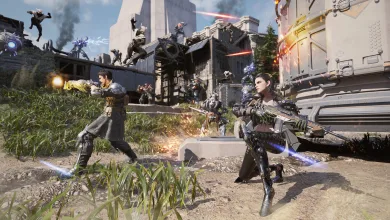
Launched in July 2024, The First Descendant is a next-generation third-person co-op action RPG looter shooter featuring high-quality graphics developed using Unreal Engine 5. In the game, players become a Descendant whose mission is to combat against alien invaders – The Vulgus who crossed dimensions over 100 years ago and brought with them the devastating Colossi and destruction– for the survival of humanity and to protect Albion and the continent of Ingris. Players will encounter spectacular stories as they grow stronger through various missions and raids to finally discover the Descendants' secret. Cooperation is crucial as players team up with one another in strategic multiplayer boss fights where teamwork and tactics are key. New equipment, materials, and items obtained through a myriad of missions and boss fights will contribute to players’ character development.
- Genre Shooter, Role-playing (RPG), Adventure
- Platforms Xbox Series X|S, PlayStation 4, PC (Microsoft Windows), PlayStation 5, Xbox One
- Perspective Third person
- Modes Single player, Multiplayer, Co-operative
- Release July 2, 2024
- Publisher Nexon Korea
-
Age Rating