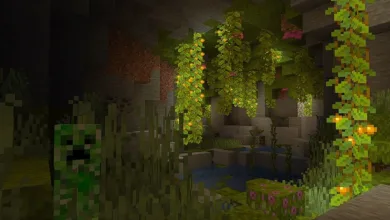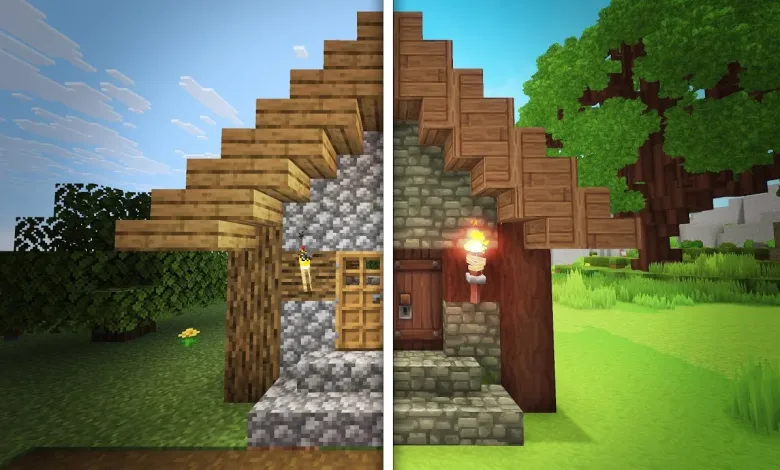
Less than 24 hours after Hytale arrived in players’ hands, modders found ways to import Minecraft creations into the new game. Community-made tools convert Minecraft schematic or litematic files into Hytale prefabs that the editor can read, letting players recreate houses, dungeons, and other structures inside Hytale.
One option is the Hytale Converter website. Upload a Minecraft schematic or litematic file and the site converts it into a file Hytale can read. Then drop the converted file into Hytale’s Prefab folder on your PC, open the in-game editor, select the prefab, and the build appears in your world.

Because the two games use different block sets, the result is not a pixel-perfect match. Expect block replacements and occasional geometry bugs, but the overall layout and shape of a Minecraft build tend to carry over well. Examples shared by community members show surprisingly faithful translations once materials are mapped.
There is another community tool called SchematicImporter, created by ThirtyVirus. It requires a few more manual steps, but it gives you extra control before the final paste. The mod includes a test paste mode that places a red-block placeholder so you can preview placement. It also has a menu that lets you map specific Minecraft block types to chosen Hytale blocks, so you can pick closer matches or intentionally swap textures.
You can try the Hytale Converter at hytale-converter.com. The SchematicImporter mod is available on CurseForge at CurseForge.
More tools and conversion workflows will likely appear as the community digs into Hytale’s editor. One nearby example of what creators are doing in the game is a Hytale level designer who built a side-scroller using the creative tools, showing how flexible the editor can be in one recent project.
Follow developments and community mods for Hytale on X, Bluesky, YouTube, and Instagram.
Hytale
Developed by Hypixel Studios