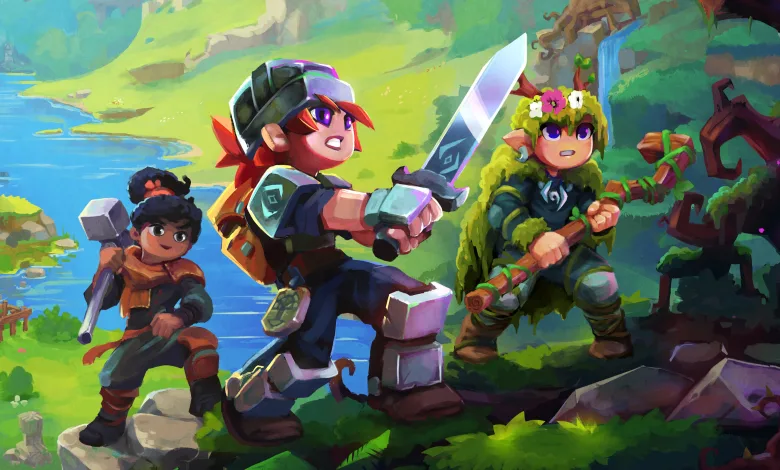
Hytale entered early access on January 13, 2026. The game supports two main ways to play with other people. One method is inviting friends into a live world using a share code. The other is joining a persistent server that stays online when the host is away.
How to invite friends
Inviting friends is done from the pause menu after loading into your world. This method lets other players join while the host is online. The share code you generate can include sensitive connection details, so only give it to people you trust.


Steps to create a share code:
- Open the menu by pressing ESC.
- Choose Online Play from the menu.
- Turn Allow Other Players to Join on.
- Save to generate a Share Code.
- Copy the code to the clipboard and send it to your friends.
How to join servers
Servers stay active even when a host player is offline. That makes them a good option for groups who want a persistent world or for joining public communities. Running a server requires hosting resources, so many players use third‑party server providers.
Steps to join an existing server:
- Open the Hytale launcher and sign into your account.
- From the Main Menu select Servers.
- If you have a code, choose Join Via Code and paste it.
- Or use Direct Connect and enter the server connection address.
- Launch into the server world once the address or code is accepted.
Public servers will appear in server lists, and many server hosts post connection details on community pages. If a server uses a password, you will need that password or a share code that includes it. For background on Hytale’s early access launch and player expectations, see the early access report linked below. Questions about running a server or about share codes are common. Keep connection details private and prefer official or well known community hosts when joining public servers.
Hytale
Developed by Hypixel Studios