PS5
-

How to Calibrate GTA 6’s HDR on PS5
If GTA 6 looks too dark on PS5, adjust HDR in the game’s Display menu rather than relying on the…
Read More » -

PUBG: Battlegrounds Will Update Its IVE Character Models in December
PUBG: Battlegrounds will revise its six IVE character appearances after player feedback, with changes arriving after PC maintenance on Dec.…
Read More » -

Microsoft Flight Simulator 2024 Adds the Pelican and Brings AV8B Harrier II to PS5
Microsoft Flight Simulator 2024’s Marketplace batch for the week of November 16 adds the Misriah Armory D77-TC Pelican on PS5,…
Read More » -
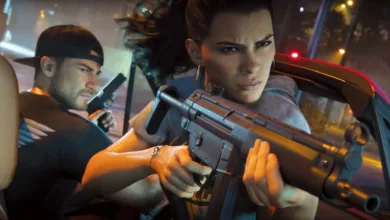
GTA 6’s Console Versions May Not Be Its Performance Peak
GTA 6’s console versions may be a starting point rather than its performance ceiling. If Rockstar brings the game to…
Read More » -

Grand Theft Auto VI Will Launch Worldwide on Nov. 19 for PS5 and Xbox Series X|S
Grand Theft Auto VI is due to launch worldwide for PS5 and Xbox Series X|S on Nov. 19, the previously…
Read More » -
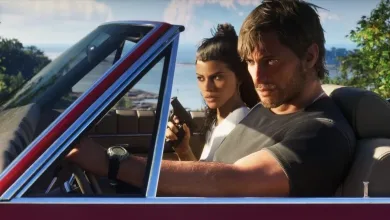
GTA 6 Guide to Controls, Travel, Money, and Car Storage
Correction, November 20, 2026: Players could deposit wallet cash through BuckMe’s ATM Finder after the Chapter 1 mission. BuckMe’s initial…
Read More » -

How to Cancel GTA+ on PS5 Without Losing Your GTA 6 Bonus Month
Every GTA 6 pre-order includes a free month of GTA+, but claiming the offer starts an automatically renewing subscription. Cancel…
Read More » -

PS5 Users Report PSN Errors as GTA 6 Unlocks in More Regions
PS5 users reported PlayStation Network errors while redeeming GTA 6 codes, opening the PlayStation Store, and starting downloads as Grand…
Read More » -

GTA 6’s PS5 Platinum Trophy Requires 100% Completion
GTA 6’s PS5 Platinum requires 100% completion, but that mark does not mean clearing every activity or collectible. The required…
Read More » -
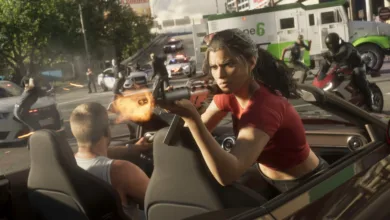
GTA 6 Runs More Consistently at 30 FPS on PS5 Pro Than Base PS5
Grand Theft Auto VI remains capped at 30 FPS on PS5 Pro because its CPU cannot run the game’s complex…
Read More »