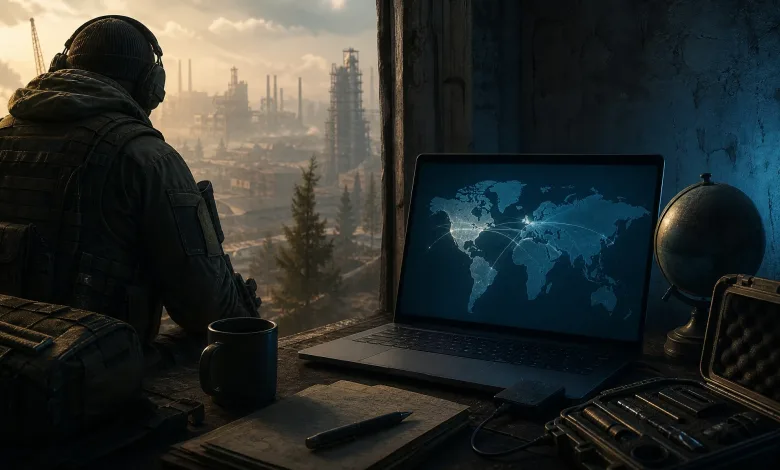
Escape from Tarkov players whose controls stopped working after the latest update can try a temporary Windows language change. The post describes adding English (United States), removing other Windows languages, and restarting the PC to restore missing keybinds. The workaround remains unverified, so it should be treated as a player-supplied fix rather than a confirmed solution.
[Bug][Solution] Fix broken or missing keybinds after update — temporarily switch Windows language to English (US)
byu/Carbnetto inEscapefromTarkov
How to try the language workaround
Make a backup of the settings folder before changing anything. The file is located at:
%AppData%Battlestate GamesEscape from TarkovSettingsControl.iniAfter saving a copy, follow these steps:
- Close Escape from Tarkov and the BSG Launcher completely, including the launcher’s tray icon.
- Open Windows Settings → Time & language → Language & region.
- Add English (United States).
- Temporarily remove the other Windows languages.
- Restart the PC.
- Launch Tarkov and check whether the missing controls work again.
According to the post, the keybinds stayed fixed after the original language was added or switched back. That result came from one system, however, and does not show that the same steps will work for every Windows setup.
What may be happening in Control.ini
Before the language change, several entries in Control.ini had their keyName values replaced with None. The affected actions were:
ScopeZoomInToggleTacticalInteractionInteractThrowItemInventoryToggleInfo
The game logs also showed this error:
Incorrect Enum value ... fallback to EGameKey.NoneA comparison between the broken and working files found that the assigned keys, press types, and zoom axes had not changed. Only the names for those six actions were different.
All six internal action names contain an uppercase I. The post presents a locale-sensitive I/i casing problem as a possible explanation, which may be more common with Turkish or similar language rules. It does not confirm that connection or establish which Windows locales trigger the issue.
Keep the backup of Control.ini until the controls work normally through a full restart. If the language workaround does not help, restoring the original file gives you a safer starting point for further troubleshooting.
Tell us whether this workaround helped and which Windows language you use. You can also follow us on X, Bluesky, YouTube, and Instagram.
Escape from Tarkov
Developed by Battlestate Games