GTA 6 splits vehicle controls between button shortcuts and menus. Hold Left on the D-pad to open the Radio, On-Demand, and Vehicle categories, while other inputs handle actions such as signaling, ducking, or swinging the driver-side door. A crowdsourced Reddit thread also helped surface some of the shortcuts.
Vehicle menus and driving shortcuts
Radio lets you change stations, while On-Demand offers podcasts in which in-game characters discuss different topics. The Vehicle menu depends on what you are driving. In a car, you can open or close a convertible roof or sunroof when available, roll down the windows, open the trunk, turn the engine on or off, and control the hazard lights. Headlight settings include high beam, low beam, and automatic. Bikes have fewer Vehicle options: hazards, headlights, and the engine, alongside Radio and On-Demand.


Some actions are quicker with a button press. Tap Square on PS5 or X on Xbox inside a car to swing open the driver-side door, which can hit nearby vehicles or people. Press R3 to yell from inside a vehicle. Press Left or Right on the D-pad to signal in that direction. Double-tap Left on the D-pad to toggle the radio, and press Circle on PS5 or B on Xbox to cycle the headlights off, on, or to brights.
- Duck or hide: Hold Circle on PS5 or B on Xbox while driving to duck. When inside a car and police are searching, hold the same button to lower yourself inside.
- Push a vehicle: Move into it with L3, then hold L3 to shove. This can free a car stuck in an awkward spot or push a beached boat toward the water.
- Leave the engine running: Double-tap Triangle on PS5 or Y on Xbox as you exit to leave the engine and headlights on. The input also works on boats, keeping them moving while you walk on deck.
- Open driving options: Hold Down on the D-pad for camera modes, destination setting, Cinematic Mode, and Auto Drive.
Boat controls
Use Left and Down on the D-pad to access boat options. The Vehicle menu includes an anchor to hold the boat steady while you dive for loot, plus underglow that you can switch on at night or turn off while evading police. You can also control the engine and headlights, change camera modes, and use Auto Drive.
Turn-by-turn directions are on by default and still work with the minimap turned off. In the options, set the GPS to use voice alerts, a tone for upcoming turns, or both. If you hide the minimap, turn on the compass to keep bearings and icons for important missions, drop-offs, and nearby stores.
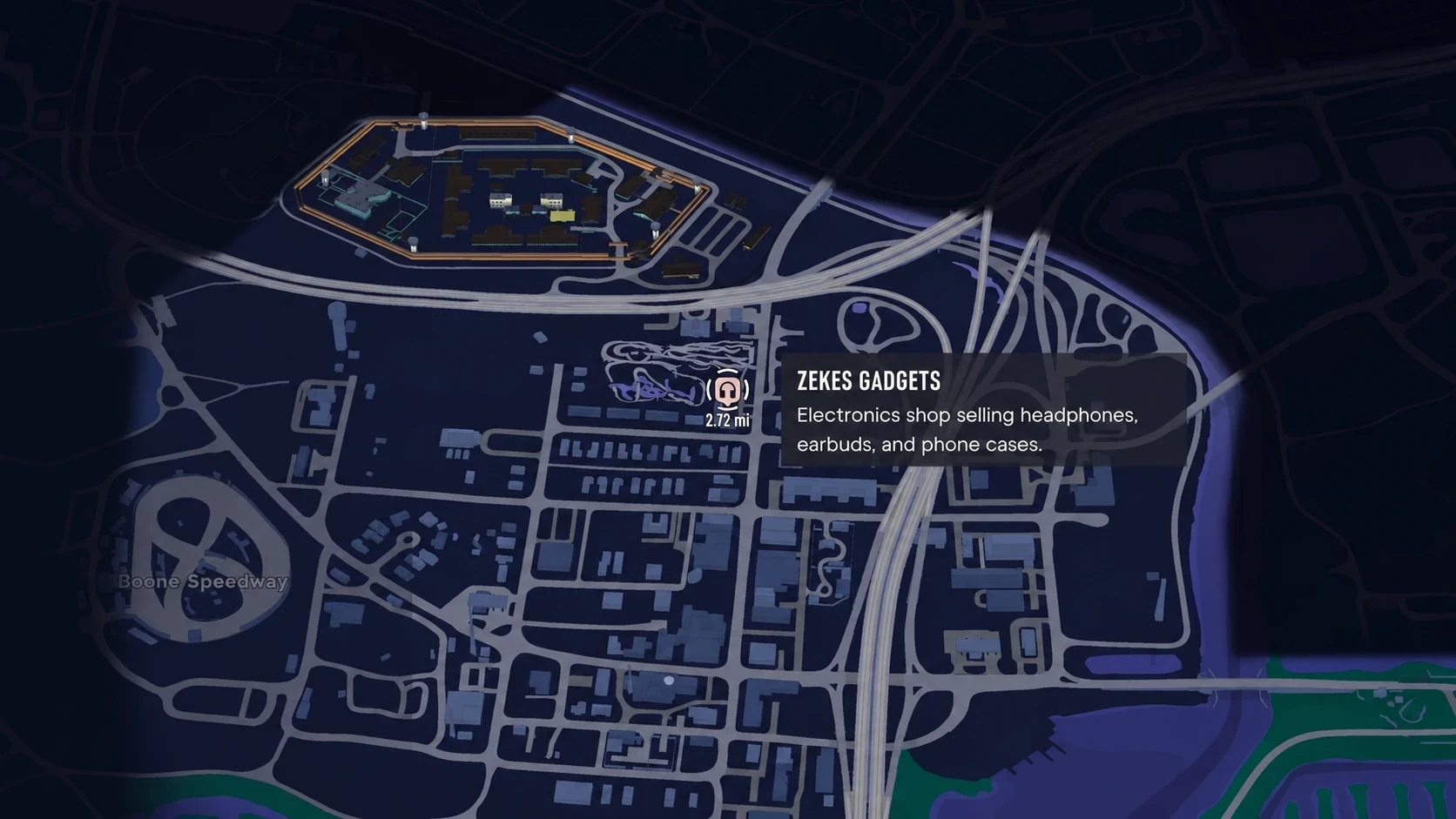
For music away from a car, open the map directory, select the clothing icon, and set a route to Zeke’s Gadgets. The electronics shop sells earbuds for around $150. Choose a color, then equip them from the item wheel to listen to the radio wherever you are.
On-foot actions and combat controls
- Look through Jason or Lucia’s eyes: Hold L2 on PS5 or LT on Xbox, then press R3. You can look around and continue conversations, but you cannot move in this view.
- Rest in place: Hold Circle on PS5 or B on Xbox. Jason may lean on a rail, sit by a dock or pool, or stand casually, depending on where he is.
- Flip someone off: Hold L2 on PS5 or LT on Xbox, then press R1 on PS5 or RB on Xbox. Nearby locals may react badly.
- Switch aiming shoulder: While aiming, press Left on the D-pad to change the camera shoulder.
- Use a gun’s optic: Aim, then press R3 to look through an attached scope. With no scope attached, R3 tightens the weapon’s spread at the cost of camera speed.
Which vehicle-menu option or button shortcut do you expect to use most? The vehicle menus, GPS settings, and item-wheel options all hide useful commands. Follow us on X, Bluesky, YouTube, Instagram, Steam, and Telegram.
Grand Theft Auto VI
Developed by Rockstar North, Rockstar Games
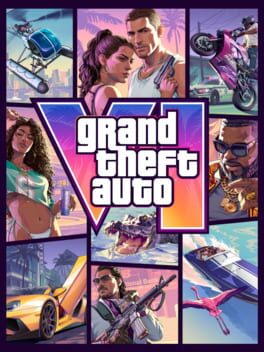
Grand Theft Auto VI heads to the state of Leonida, home to the neon-soaked streets of Vice City and beyond in the biggest, most immersive evolution of the Grand Theft Auto series yet.
- Genre Shooter, Racing, Adventure
- Platforms Xbox Series X|S, PlayStation 5
- Perspective First person, Third person
- Modes Single player, Multiplayer, Co-operative
- Release November 19, 2026
- Publisher Rockstar Games, Take-Two Interactive
-
Age Rating