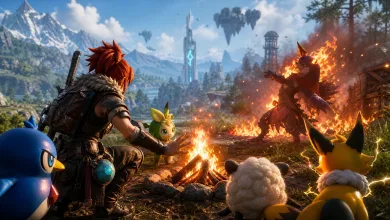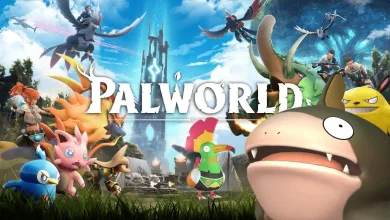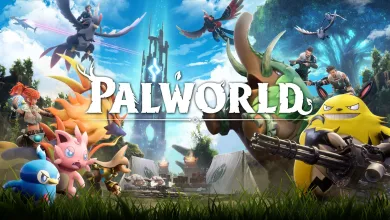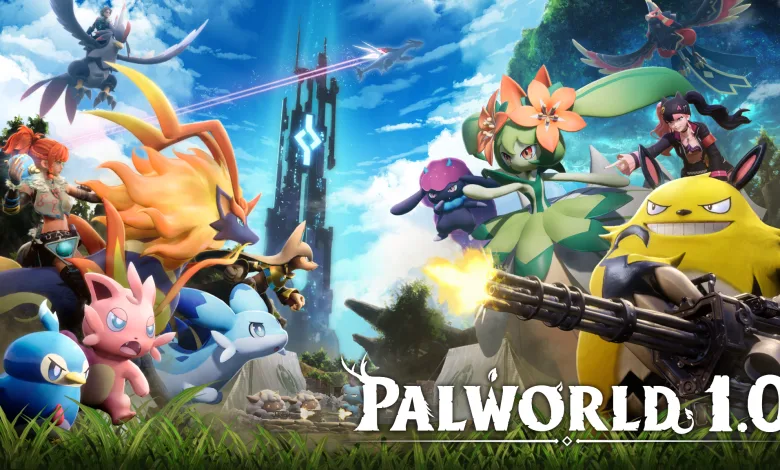
Ahead of Palworld’s 1.0 launch, Pocketpair is warning players to check for old mod files before they update.
In a Steam notice, the studio thanked the community for the mod scene and said it looks forward to seeing what players build after 1.0. But it also said that anyone who has not played in a long time may still have mod data sitting on their PC that could cause problems.


Pocketpair said leftover mods from around 2024 and earlier may lead to crashes, corrupted saves, save files that refuse to load, or quests and events that stop moving forward. The studio also stressed that simply disabling a mod is not enough, because files and loaders left in the game folder can still be picked up when Palworld starts.
Before updating, players should back up their saves, manually delete old mod files, verify the integrity of their Steam files, and confirm that the game launches cleanly without mods. Pocketpair also pointed players to its mod removal guide, and said Steam Workshop users should unsubscribe from installed mods as well.
The warning also covered save data that depends on modded items or Pals, since those files may not work once the related mod is gone. Pocketpair said it recommends reinstalling mods only after creators have updated them for 1.0, then testing them one by one. Problems caused by mods or modified game data are not covered by support.
Tell us what you think in the comments, and follow us on X, Bluesky, YouTube, Instagram.
Source: Steam
Palworld
Developed by PocketPair

Palworld is a multiplayer open-world survival game that combines creature-collecting with crafting, base-building, and combat. Set on the Palpagos Islands, players capture and tame animal-like creatures called Pals, which can be used as mounts, combat partners, or workers at player-built bases. The game incorporates firearms and darker satirical elements into the monster-taming formula.
- Genre Shooter, Role-playing (RPG), Hack and slash/Beat 'em up, Adventure, Indie
- Platforms Xbox Series X|S, PC (Microsoft Windows), PlayStation 5, Mac, Xbox One
- Perspective Third person
- Modes Single player, Multiplayer, Co-operative, Massively Multiplayer Online (MMO)
- Release July 10, 2026
- Publisher PocketPair
-
Age Rating