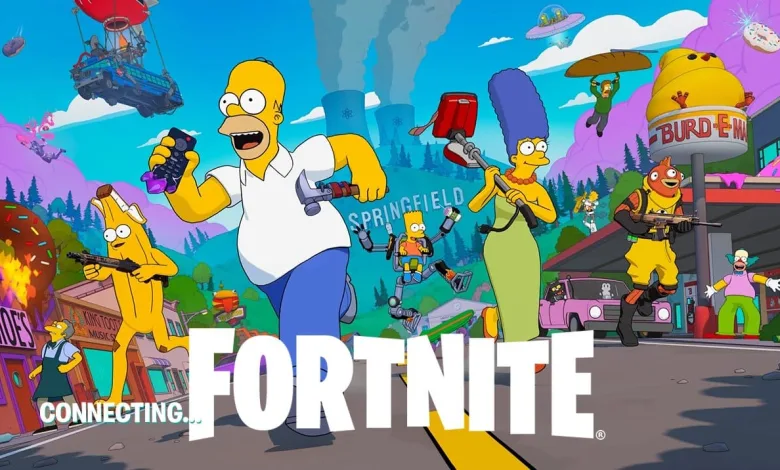
Fortnite players can claim 1,000 V-Bucks for $1 through an Xbox Game Pass Ultimate new-member offer tied to Winterfest 2025. The deal requires linking your Epic Games account to an eligible Xbox account and activating the $1 first month Game Pass Ultimate subscription.
Here is the straightforward process. This is an official Xbox promotion and does not involve hacks or third-party sellers. It only works if your Microsoft account is eligible for the new-member Game Pass Ultimate offer.


- Go to the Xbox Game Pass page and choose the Join for $1 new-member option for Game Pass Ultimate.
- Activate the $1 first month subscription and complete the checkout.
- Make sure your Epic Games account is linked to your Xbox account. Visit your Epic account’s connected accounts section and link Xbox Network if it is not already connected.
- Open Fortnite on an Xbox console, the Xbox app on PC, or via Xbox Cloud Gaming while signed in. Fortnite should detect the rewards and credit 1,000 V-Bucks along with the Fortnite Crew and Battle Pass benefits included in the bundle.
You can cancel Game Pass Ultimate immediately after activating the $1 month and still keep the benefits for the remainder of the billing period. To cancel, sign into your Microsoft account, go to Services & Subscriptions, find Game Pass Ultimate, select Manage, and choose Cancel. If you are already a Fortnite Crew member, this promotion will not extend your active Crew membership; it will, however, award the 1,000 V-Bucks.
For background on how Fortnite Crew ties into Game Pass Ultimate, see our earlier coverage of the subscription change for Fortnite Crew being added to Game Pass Ultimate.
Stay connected for more Fortnite tips on X, Bluesky, YouTube, and Instagram.
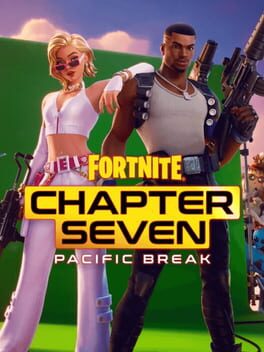
Fortnite: Chapter 7 - Season 1: Pacific Break
Developed by Epic Games