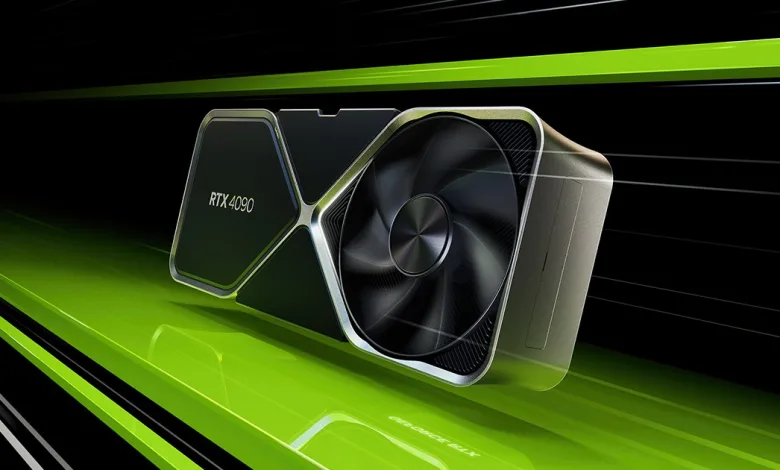
NVIDIA has just released its latest Game Ready Driver – version
This driver is a must-download for anyone looking to jump into
Game Ready for FBC: Firebreak and DOOM: The Dark Ages Path Tracing Update
This new Game Ready Driver provides the best gaming experience for the latest games supporting DLSS 4 technology, including FBC: Firebreak and REMATCH, as well as the Path Tracing update for DOOM: The Dark Ages.
Fixed Gaming Bugs
- Dune: Awakening: stability issues [5273568]
- EA Sports FC 25: stability issues [5251937]
- Dragons Dogma 2: displays shadow flicker [5252205]
- Clair Obscur: Expedition 33: stability issues [5283401]
- Enshrouded: crashes after launching game [5279848]
- Monster Hunter World: stability issues when playing in DX12 mode [5305302]
- Gray Zone Warfare: stability issues [5284518]
- Marvel Rivals: stability issues [5273681]
- Ghost of Tsushima Directors Cut: Flickering/corruption around light sources [5138067]
- GTA V Enhanced: stability issues [5302755]
- Honor of Kings: World: stability issues [5304344]
- Forza Horizon 5: stability issues [5131160]
- Indiana Jones and The Great Circle: Image corruption [5326122]
Fixed General Bugs
- GeForce RTX 5090 FE acoustic improvements for idle and low loads [5139629]
- Changing a setting in the “NVIDIA Control Panel” -> “Manage 3D Settings” may trigger shader disk cache rebuild [5282396]
- Twinmotion: Bugcheck when attempting to launch [5282285]
- Adobe Substance 3D Painter: showing viewport corruption after baking [5270020]
- BlackmagicDesign: UI overlay in Fusion page is not displayed correctly [5237584]
- Video playback in a web browser may show brief red/green flash corruption [5241341]
- Videos captured with NVIDIA App may appear washed out after editing with the Windows Photos app [5294224]
- Certain DisplayPort 1.4 monitors may display random black screen flicker when connected to DisplayPort 2.1 graphics card [5277453]