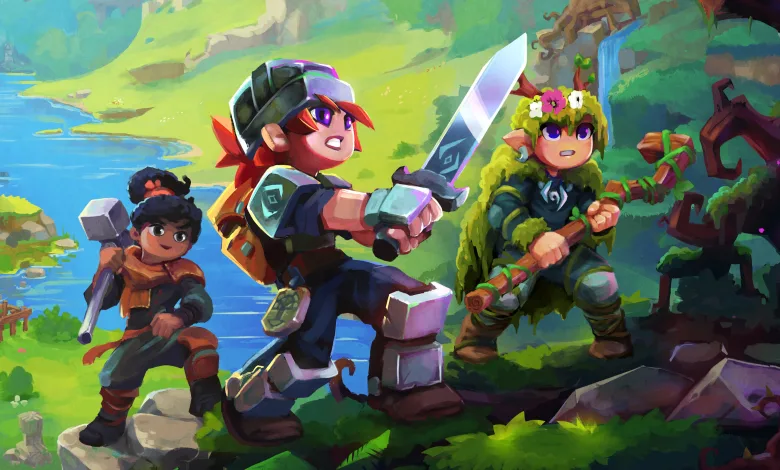
Hypixel Studios opened Hytale account creation on Dec. 9, 2025, giving players a chance to set up an account and, if they registered interest before Dec. 9, reserve a username ahead of the game’s pre-purchase window that begins on Dec. 13, 2025. Creating an account is straightforward. From the official Hytale accounts page, you click Join Now, pick a sign-in method (Google, Discord, Epic Games, Microsoft, Twitch, or manual email), follow the on-screen prompts to link and confirm your email, then verify the account from the confirmation email. Once verified, you land on the Accounts page and your Hytale account is active.
Tip: Hytale warned that signups spiked after the Dec. 9 announcement, so verification emails may be delayed. Verifications last 24 hours, and the developer advised not to press the request-email button repeatedly while waiting.

How to reserve your Hytale username
Only players who signed up for the Hytale beta or Hypixel/Hytale newsletters before Dec. 9 received a token in email that lets them reserve a username now. If you have a token, these are the steps:
-
- Open the Hytale accounts page and click the Usernames tab on the left.
- Click Reserve Username.
- Enter the username you want and paste the token from your email into the token box.
- Hit Reserve Username to claim it.
Nicknames are not case-sensitive for the reservation step, so they will appear in lowercase until you purchase a game license and change casing after purchase. For readers who want context on buying Hytale and what editions might look like, see our look at Hytale prices and pre-order details. The developer also noted that if you did not sign up before Dec. 9 you will need to wait until the pre-purchase window opens on Dec. 13 to claim a username during the normal pre-purchase process.
Questions or hot takes about usernames and tokens are welcome, drop a comment and join the conversation on X, Bluesky, and YouTube.
Hytale
Developed by Hypixel Studios